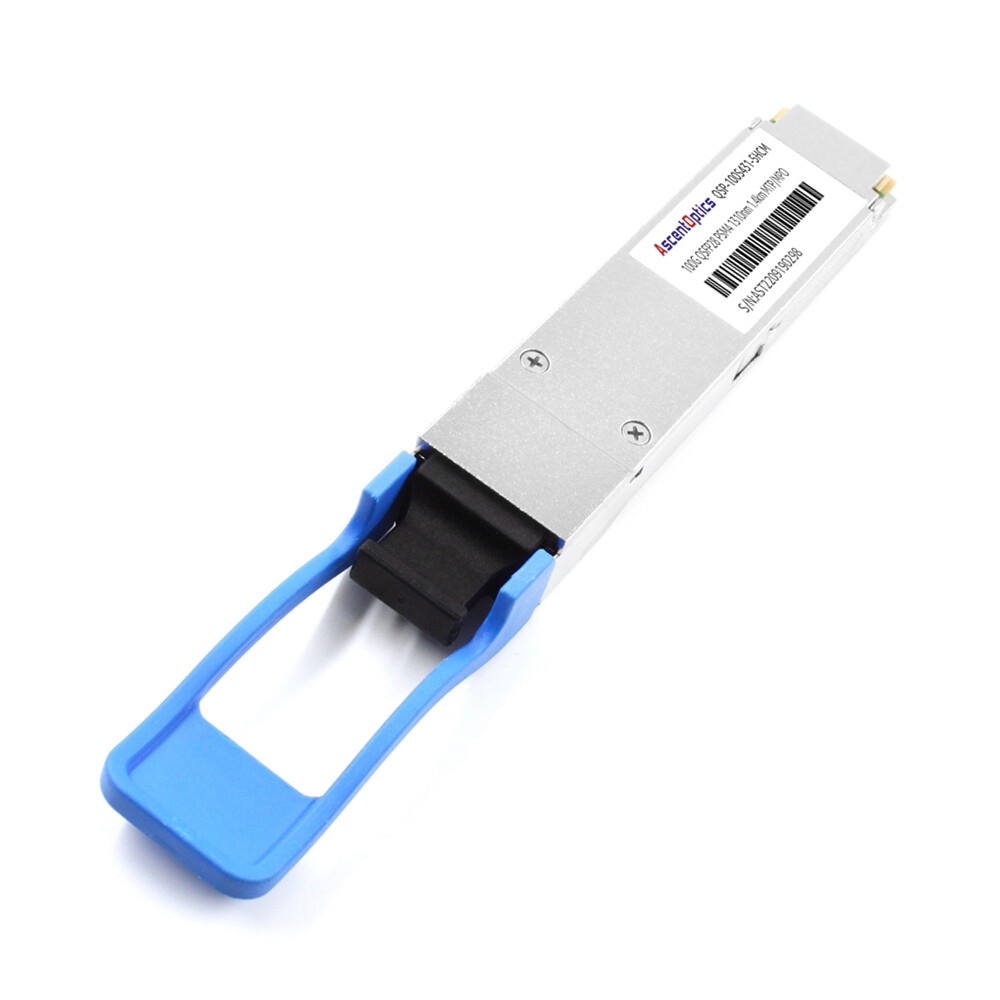
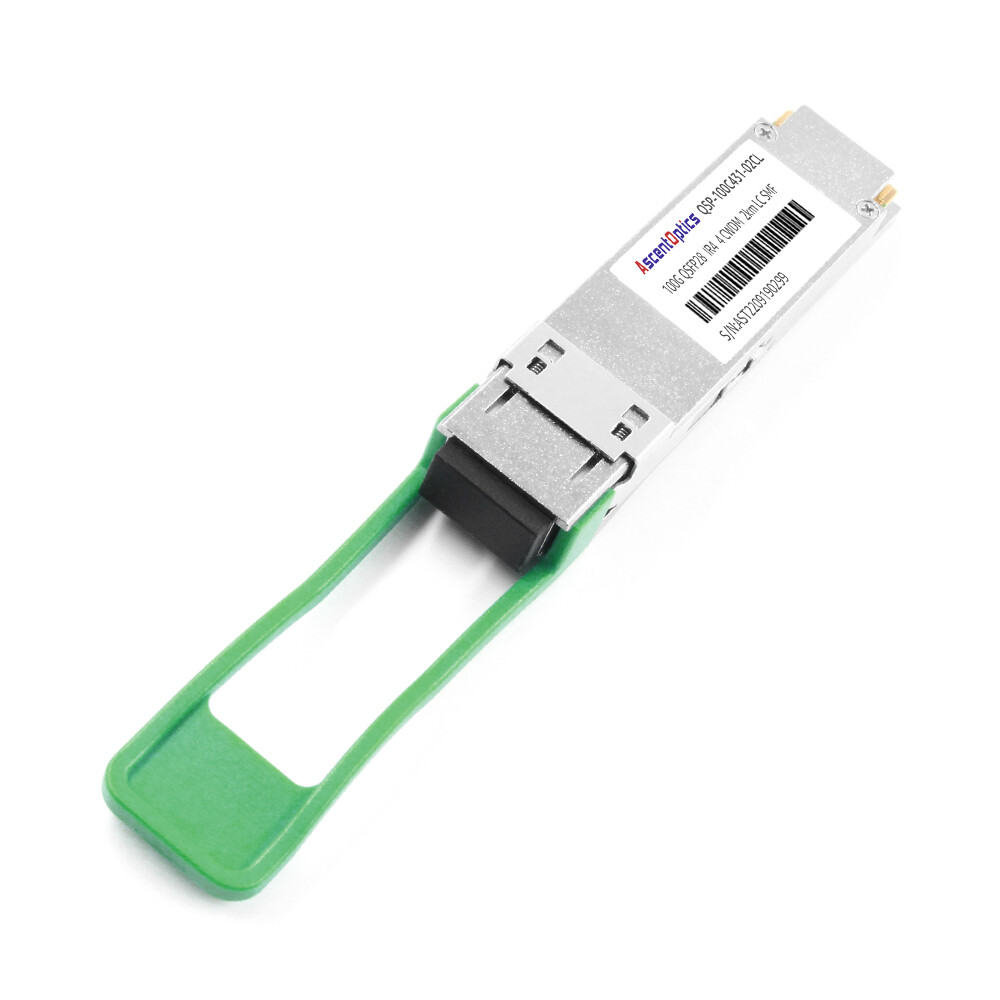
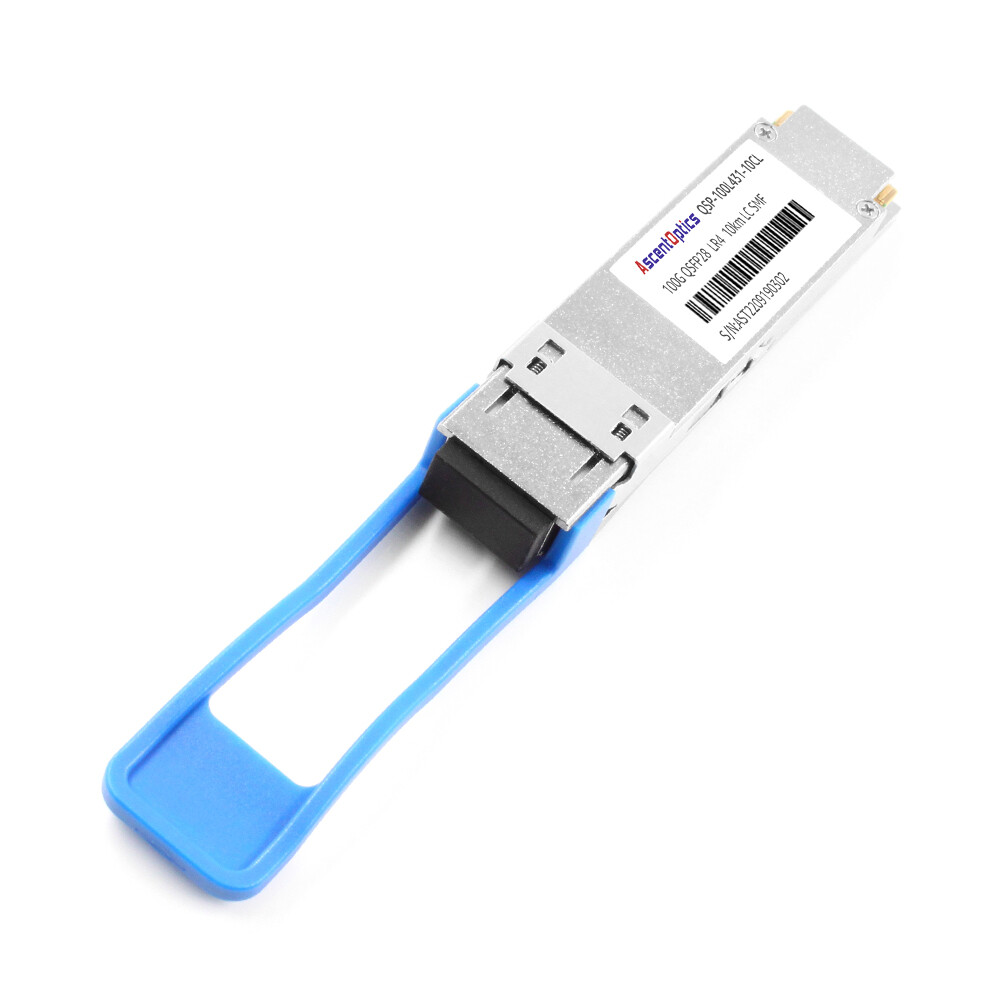
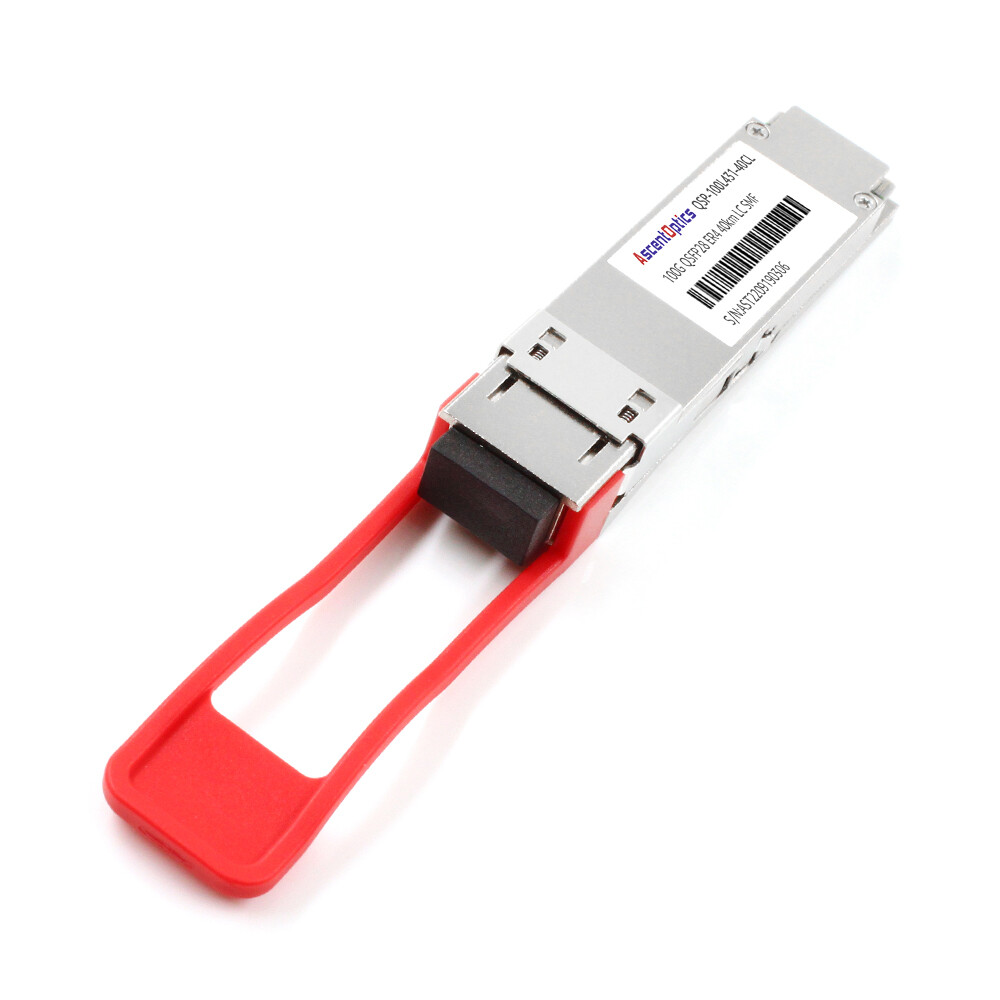
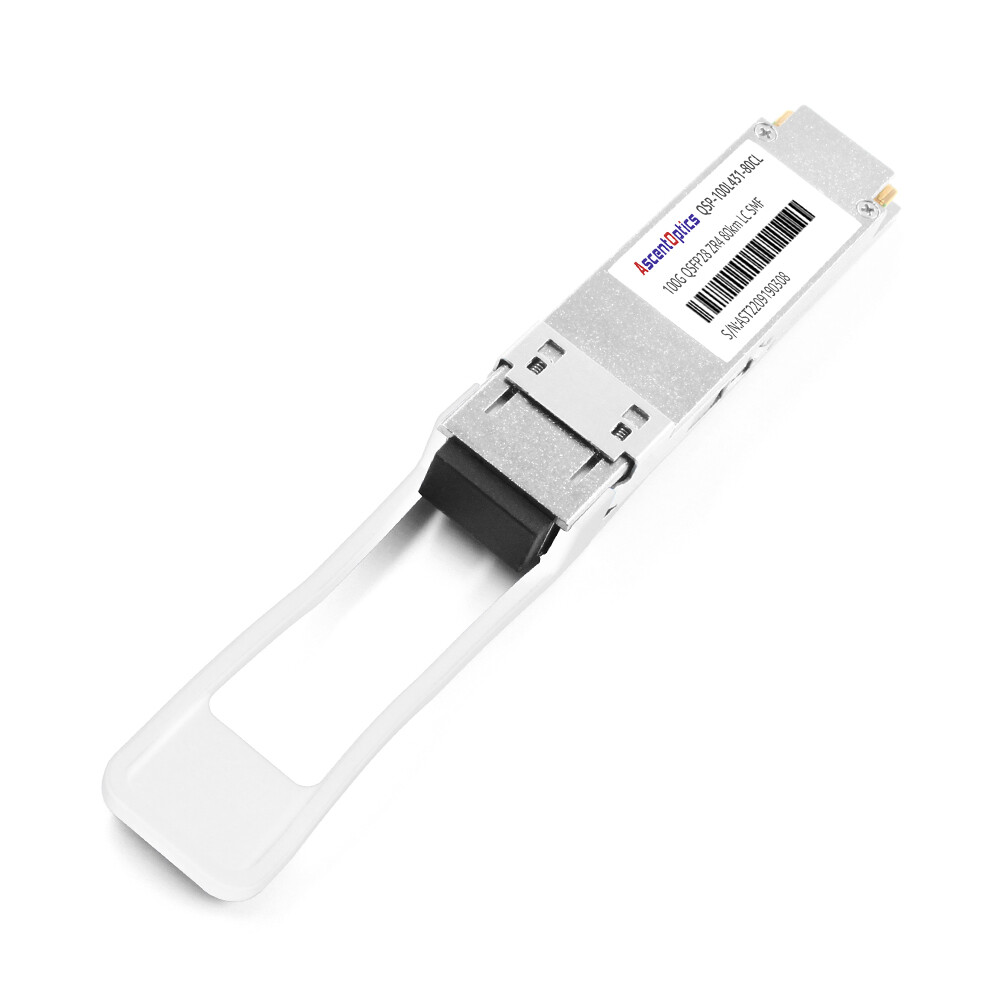
The QSFP56 module needs to match the port speed, FEC mode, and cable type to interoperate with the 200G switch. Supporting breakout or aggregation links, firmware version consistency ensures signal integrity, which is a key consideration for deploying high-density 200G Ethernet.
What Is QSFP56?
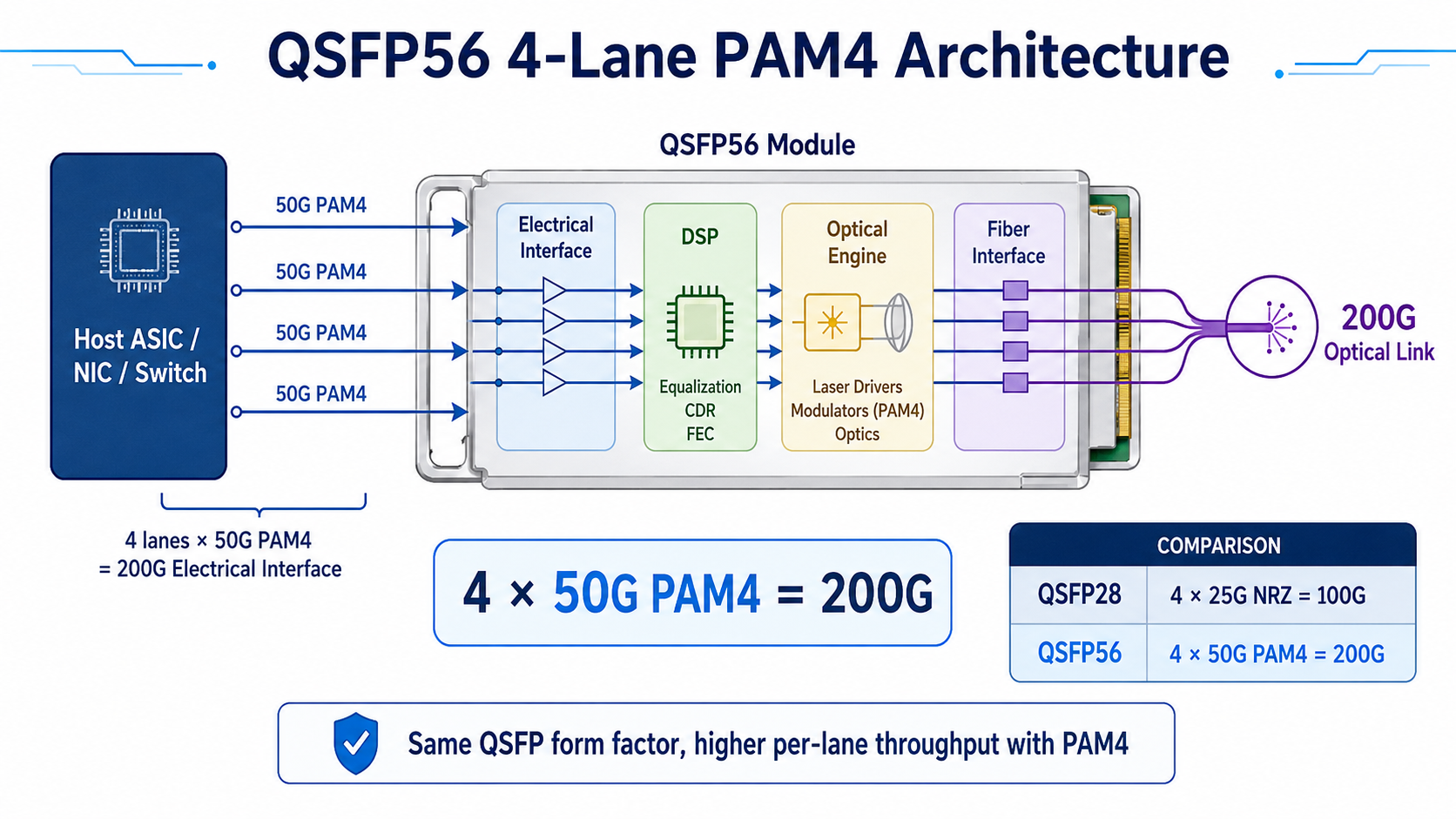
QSFP56 (Quad Small Form-factor Pluggable 56) is a hot-pluggable optical transceiver that delivers 200 Gbps over four electrical lanes. Each lane runs at approximately 50 Gbps using PAM4 modulation, doubling the per-lane data rate of QSFP28 without adding more fiber or changing the physical form factor.
Because QSFP56 shares the same mechanical envelope as QSFP28 and QSFP+, it fits into the same cages and high-density faceplates. That similarity is convenient, but it is also the source of most compatibility mistakes. A QSFP56 module will slide into a QSFP28 port, yet the port cannot decode PAM4 signaling unless the switch ASIC and firmware were designed for it.
QSFP56 Standards and Management Interfaces
Reliable QSFP56 module compatibility starts with standards compliance. Look for modules and host platforms that support:
- •IEEE 802.3bs— introduces 200GbE and 400GbE Ethernet physical layer specifications
- •IEEE 802.3cd— covers 200GBASE-SR4, DR4, FR4, and LR4
- •QSFP56 MSA— mechanical, electrical, and thermal specifications
- •SFF-8665, SFF-8024, and SFF-8679— management and electrical interface details
- •CMIS 4.0— Common Management Interface Specification for 200G/400G modules
Common QSFP56 Module Types
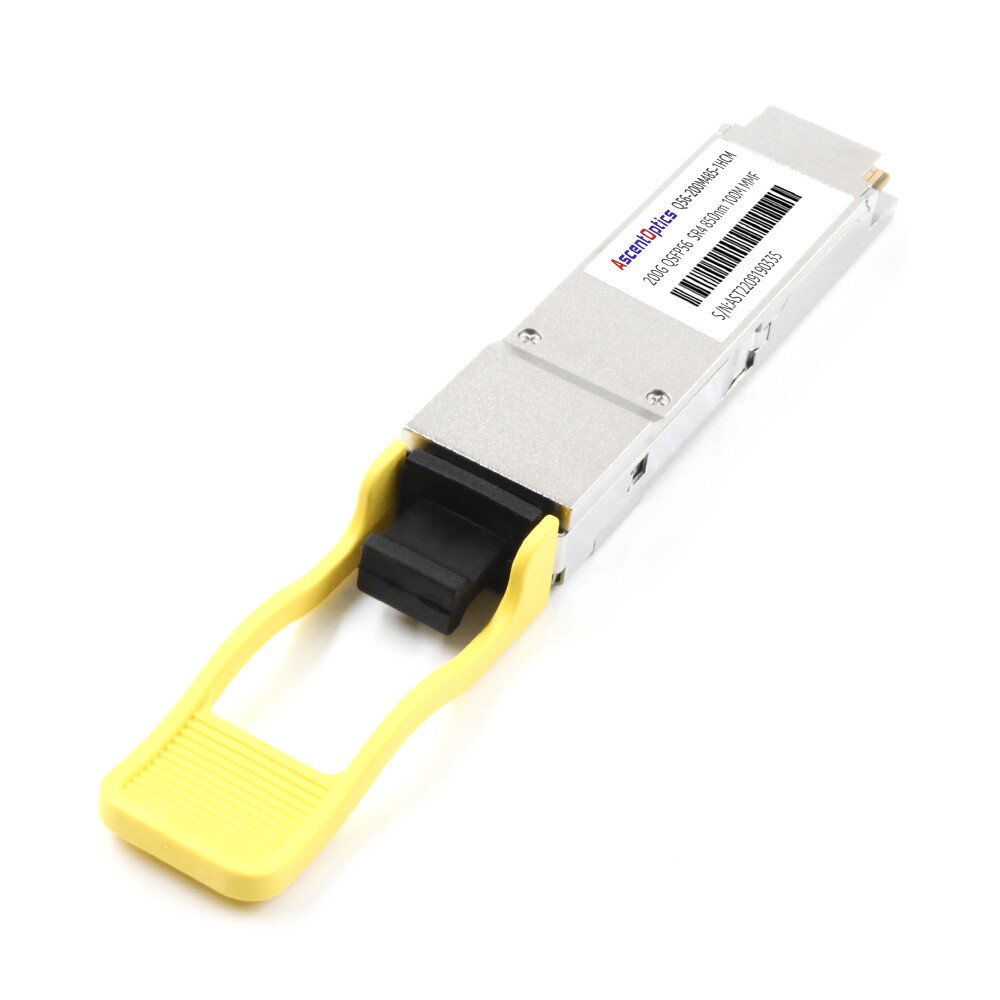
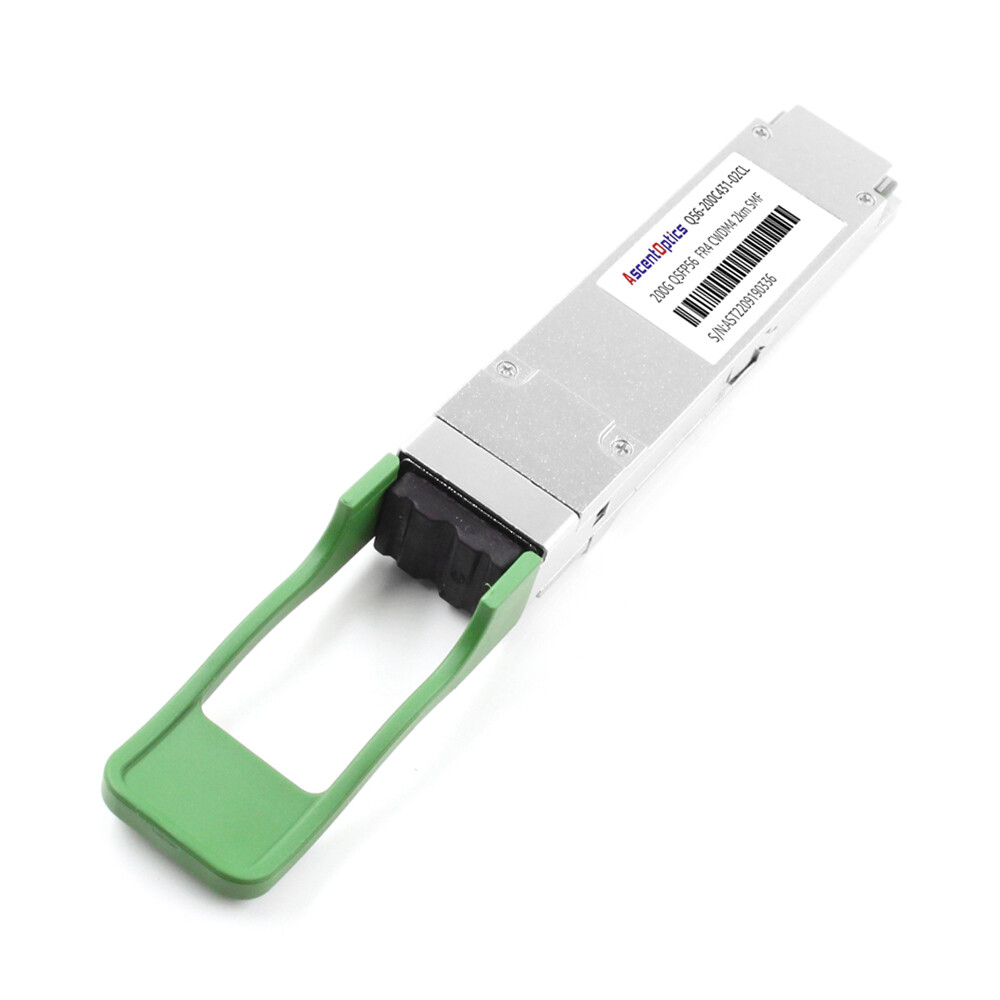
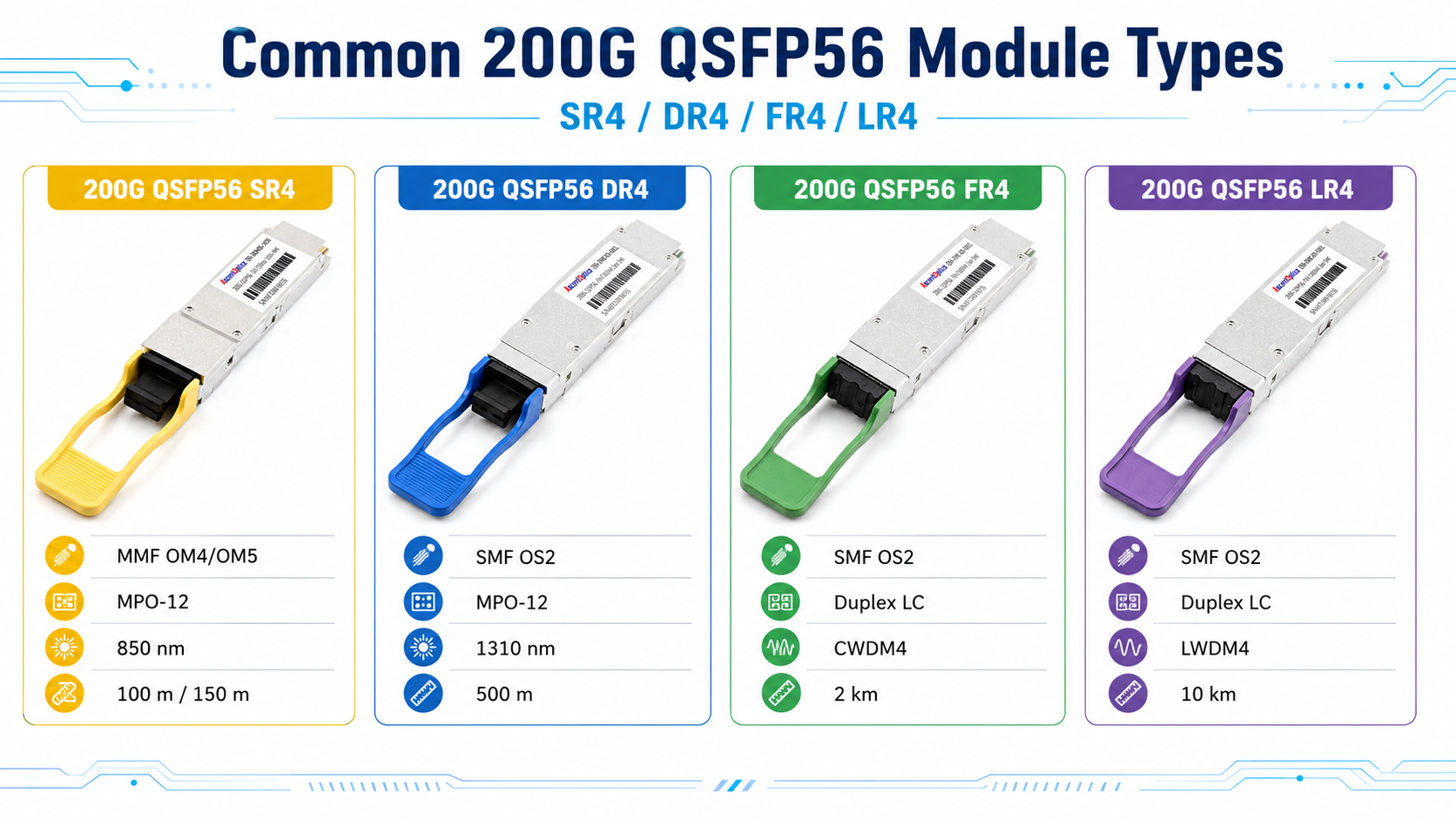
Choosing the right module depends on fiber type, distance, and connector. The most common variants are:
| Module Type |
Fiber |
Wavelength |
Connector |
Typical Reach |
| 200GBASE-SR4 |
MMF OM4/OM5 |
850 nm |
MPO-12 |
100 m / 150 m |
| 200GBASE-DR4 |
SMF |
1310 nm |
MPO-12 |
500 m |
| 200GBASE-FR4 |
SMF |
CWDM 1271–1331 nm |
LC duplex |
2 km |
| 200GBASE-LR4 |
SMF |
LWDM 1295–1309 nm |
LC duplex |
10 km |
QSFP56 Compatibility Matrix
The most important rule of QSFP56 compatibility is that mechanical fit does not guarantee electrical compatibility. Use the matrix below to plan mixed-generation deployments.
| Insert This Module |
Into This Port |
Result |
Conditions |
| QSFP56 (200G) |
QSFP56 port |
✅ 200G works |
Host ASIC supports 50G PAM4 |
| QSFP28 (100G) |
QSFP56 port |
✅ Usually 100G
(Host platform dependent) |
ASIC supports NRZ fallback; firmware enables speed selection |
| QSFP56 (200G) |
QSFP28 port |
❌ Does not work at 200G |
Host lacks 50G PAM4 SerDes |
| QSFP56 (200G) |
QSFP-DD port |
✅ 200G works |
Native backward compatibility |
| QSFP28 (100G) |
QSFP-DD port |
✅ 100G works |
Native backward compatibility |
| QSFP+ (40G) |
QSFP56 port |
⚠️ Often 40G |
Vendor- and firmware-dependent |
QSFP-DD ports are the most flexible. They accept QSFP+, QSFP28, QSFP56, and QSFP112 modules because the double-density cage retains the same mechanical interface while adding an extra row of electrical contacts. That makes QSFP-DD switches a popular migration path: deploy 200G today and upgrade to 400G later without replacing the chassis. Most QSFP-DD ports support QSFP+, QSFP28, QSFP56, and QSFP112 modules, provided the switch ASIC and firmware enable backward compatibility.
Explore our QSFP-DD Compatible Switches compelete guide →
Why PAM4 Changes the Compatibility Equation
QSFP28 uses NRZ (Non-Return-to-Zero) signaling, which transmits one bit per symbol. QSFP56 uses PAM4 (Pulse Amplitude Modulation 4-level), which transmits two bits per symbol. PAM4 doubles the data rate per lane without doubling the baud rate, but it requires a cleaner signal path, stronger forward error correction, and a PAM4-capable SerDes on the host. The trade-off is reduced signal-to-noise ratio, making FEC essential for reliable transmission.
If the host ASIC only supports NRZ, it cannot lock onto a PAM4 signal. That is why a QSFP56 module will not function at 200G in a QSFP28-only switch, even though the physical connector matches.
What Determines QSFP56 Compatibility?
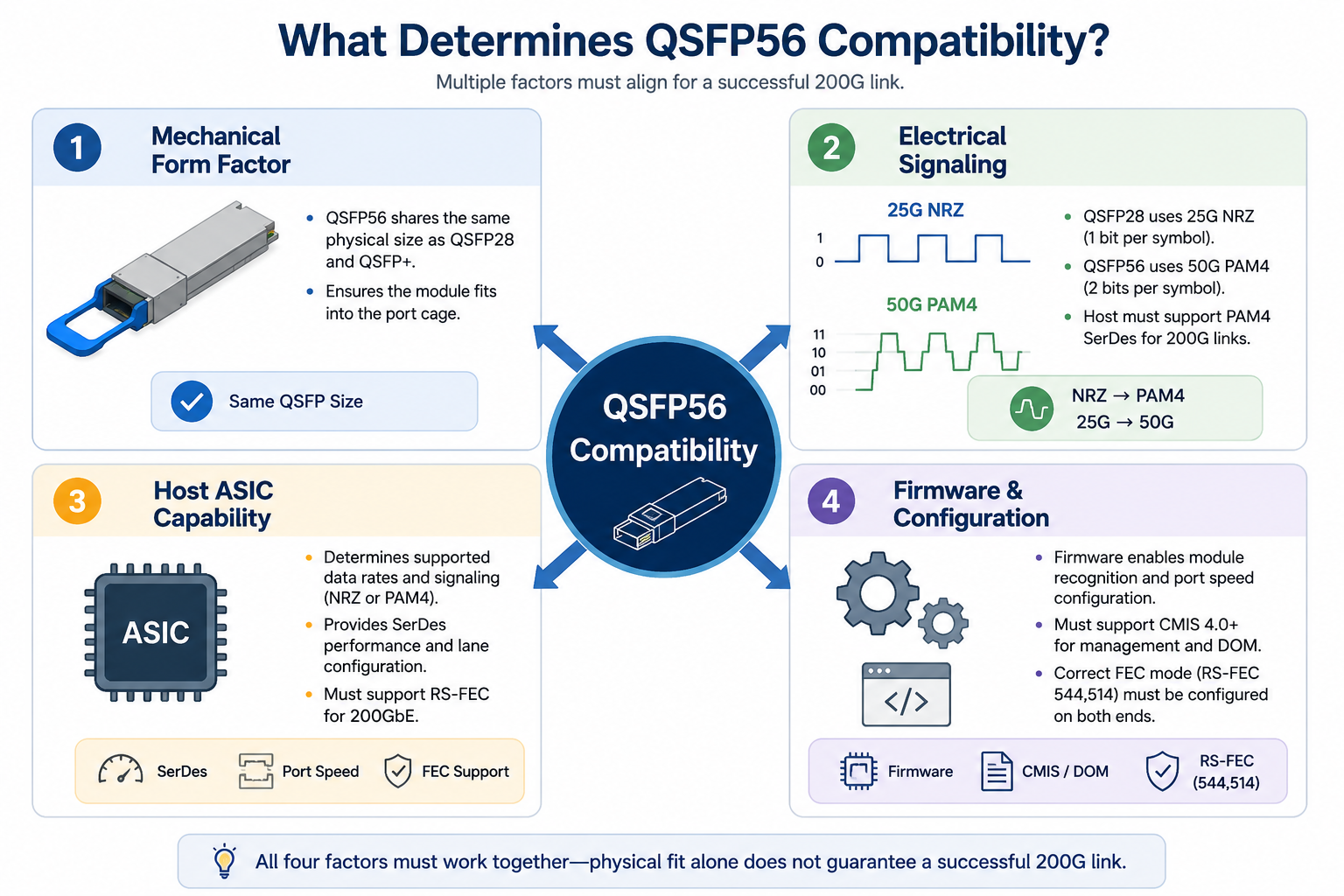
Successful QSFP56 compatibility depends on more than whether a module fits into a port. In most deployments, four factors determine whether a link will operate correctly.
Mechanical Form Factor
QSFP56 shares the same physical dimensions as QSFP28 and QSFP+, allowing the modules to fit into compatible cages. However, a matching connector alone does not guarantee that the link will function.
Electrical Signaling
QSFP56 uses 50G PAM4 signaling, while QSFP28 relies on 25G NRZ. A switch or NIC must support the correct signaling technology to establish a stable 200G link.
Host ASIC Capability
The host ASIC determines the supported port speeds, SerDes technology, and FEC requirements. Even if a module is physically compatible, the host must support 50G PAM4 operation to enable 200G transmission.
Firmware and Configuration
Modern switches rely on firmware to recognize transceivers, configure port speeds, and apply the appropriate FEC mode. Keeping firmware up to date and verifying compatibility with the vendor’s supported optics list can help prevent interoperability issues.
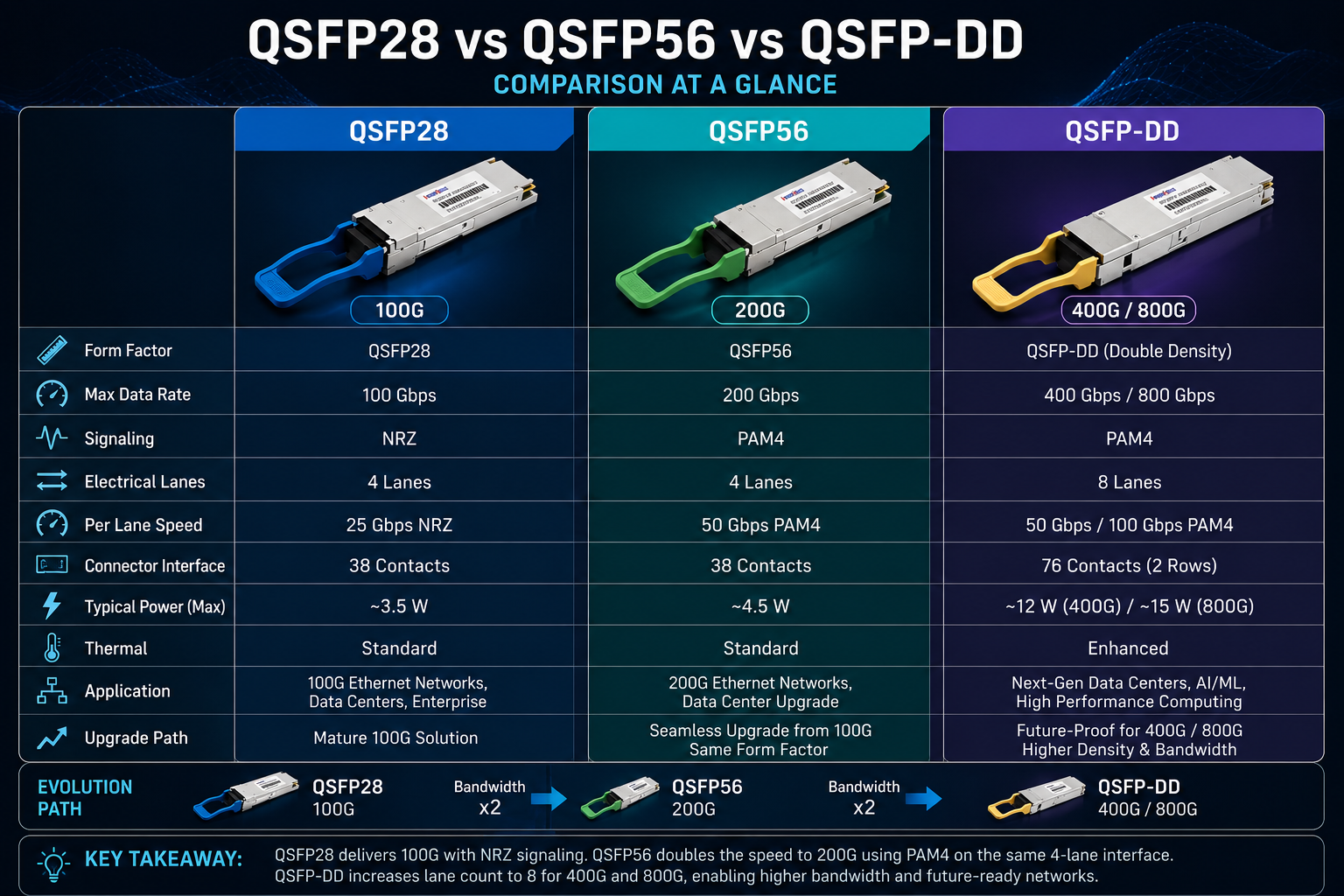
QSFP56 vs. QSFP28 vs. QSFP-DD
When network operators evaluate a 200G migration, the most common question is whether to choose qsfp56 vs qsfp28 or skip directly to QSFP-DD. The answer depends on bandwidth needs, switch availability, power budget, and plans.
| Feature |
QSFP28 |
QSFP56 |
QSFP-DD |
| Data rate |
100 Gbps |
200 Gbps |
400 Gbps / 800 Gbps |
| Electrical lanes |
4 |
4 |
8 |
| Lane rate |
25 Gbps NRZ |
50 Gbps PAM4 |
50 Gbps or 100 Gbps PAM4 |
| Typical power |
3.5–5 W |
4–7 W |
up to 13 W |
| Best use case |
Mature 100G networks |
200G upgrade path |
High-density 400G/800G fabrics |
QSFP28 remains a cost-effective choice for 100G networks with mature supply chains and lower power per bit. QSFP56 doubles bandwidth in the same port footprint, making it attractive for spine upgrades and AI clusters. QSFP-DD trades higher power and cost for maximum density and a longer upgrade path to 400G and beyond.
Switch Compatibility by Vendor
Not every switch with a QSFP cage can run QSFP56. Before you order modules, confirm that the platform supports 50 Gbps PAM4 and that the firmware version is current.
Cisco QSFP56 Support
Cisco offers QSFP56 on several Nexus platforms, but support is platform- and line-card-specific:
- •Nexus 9364D-GX2A— 64 ports of QSFP-DD/QSFP56 with full 200G PAM4 support
For consistent PAM4 performance, Cisco recommends NX-OS 10.x or later on QSFP56-capable hardware.
Arista QSFP56 Support
Arista has made QSFP56 a core part of its 200G data center portfolio:
- •7060X4-32S— 32 ports of native QSFP56
- •7060X6-64PE— 64 ports of QSFP-DD/QSFP56 with backward compatibility for QSFP+/QSFP28
- •7170-32C— 32 ports optimized for low-latency 200G
Arista EOS typically auto-negotiates speed when the module is MSA-compliant, which simplifies mixed-environment deployments.
Juniper and NVIDIA (Mellanox)
- •Juniper QFX5220-128C— 128 ports of QSFP-DD/QSFP56 for high-density spine roles
- •NVIDIA Spectrum-2 SN3700— 32 ports of native 200GbE QSFP56
- •NVIDIA Spectrum-3 SN4600— 64 ports of QSFP-DD/QSFP56 Supports 200GbE Ethernet
For short-reach switch-to-switch connections, 200G QSFP56 DAC cables provide a cost-effective solution with excellent compatibility and low latency.
FEC, CMIS, and DOM Considerations
Even when the module and port are electrically compatible, two management-layer details can break the link: forward error correction and the module management interface.
Forward Error Correction Is Mandatory
IEEE 802.3bs requires RS(544,514) FEC for 200GbE links. Both ends of the link must use the same FEC mode. A mismatch often produces the classic symptom of “link up, no traffic”: the LEDs look healthy, but no packets flow.
When you deploy QSFP56, explicitly configure or verify FEC on both sides. Do not assume auto-negotiation will select the correct mode, especially when mixing switch vendors.
CMIS 4.0 and DOM
QSFP56 modules use the Common Management Interface Specification (CMIS), typically version 4.0, to expose DOM/DDM telemetry such as temperature, voltage, transmit power, receive power, and laser bias current. DOM readings should be interpreted together with switch logs and optical link diagnostics rather than in isolation.
After link-up, check these readings to confirm the module is operating within specification. Abnormal DOM values can indicate a dirty connector, a bad fiber patch, or an EEPROM threshold mismatch that triggers false alarms in the switch.
Troubleshooting Common QSFP56 Compatibility Issues
Despite careful planning, field issues happen. Use the table below to diagnose the most common problems quickly.
| Symptom |
Likely Cause |
Fix |
| Module not recognized |
Unsupported optic list or vendor lock |
Verify supported-optics matrix; apply unlock command if needed |
| Link up, no traffic |
FEC mismatch |
Match FEC mode on both ends |
| Link falls back to 100G |
ASIC auto-negotiation or port speed config |
Force 200G if supported; confirm host PAM4 capability |
| High error rate |
Dirty connector or fiber |
Clean and reseat connectors; inspect fiber with a scope |
| DOM alarms |
EEPROM threshold mismatch |
Check vendor-specific DOM limits; reprogram if necessary |
| Intermittent flaps |
Insufficient power or thermal margin |
Verify switch power budget and airflow |
Conclusion
QSFP56 provides a practical upgrade path to 200G Ethernet while maintaining the familiar QSFP form factor. However, successful deployment depends on more than physical compatibility. Electrical signaling, host ASIC capabilities, firmware support, and FEC configuration all play important roles in ensuring reliable operation.
Before purchasing transceivers, verify that your switches, NICs, and operating software support the required 200G interfaces. Choosing standards-compliant QSFP56 modules and validating compatibility in your target environment can minimize deployment risks and deliver stable, high-performance network connectivity.
FAQ
Is QSFP56 backward compatible with QSFP28?
Mechanically yes, but electrically it depends on the host platform. A QSFP56 port can usually operate with QSFP28 modules at 100G, whereas a QSFP28-only port cannot operate a QSFP56 module at 200G because it lacks 50G PAM4 SerDes support.
Can I use a QSFP56 module in a QSFP-DD port?
Yes. QSFP-DD ports are backward compatible with QSFP56 modules and will run them at 200G.
Does QSFP56 require FEC?
Yes. IEEE 802.3bs mandates RS(544,514) FEC for 200GbE links. An FEC mismatch can cause a link to appear up while passing no traffic.
What is the power consumption of QSFP56 modules?
Typical power ranges from about 3.3–4 W for short-reach SR4 modules to 5.5–7 W for longer-reach FR4 or ER4 variants.
Which switches support QSFP56?
Cisco Nexus 9364D-GX2A, Arista 7060X4/X6 and 7170 families, Juniper QFX5200/QFX5220, and NVIDIA Spectrum-2/3 switches all support QSFP56. Always verify the specific firmware version.
Are third-party QSFP56 modules reliable?
MSA-compliant third-party modules from a quality manufacturer can match OEM performance at a lower cost. Validate samples on your target switch platform before bulk deployment.
Post Views: 1,769