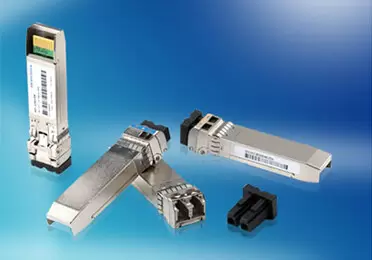
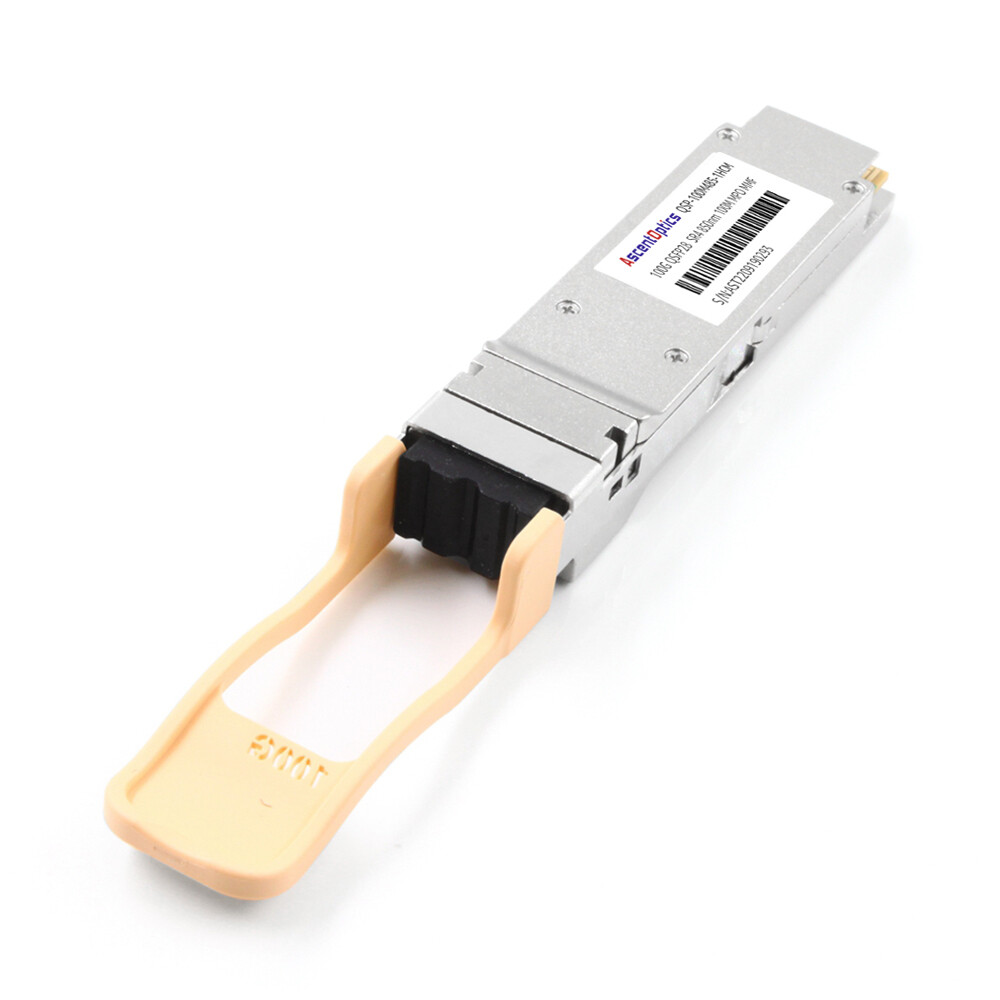
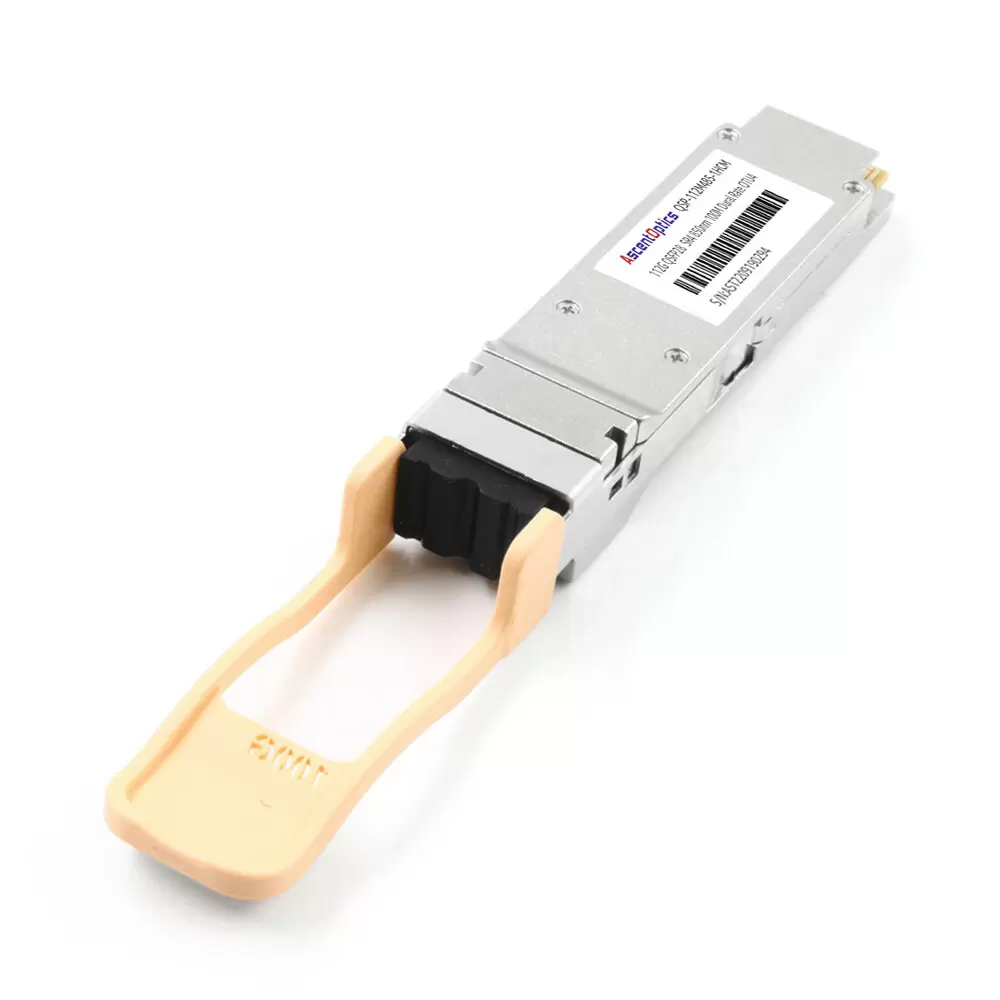
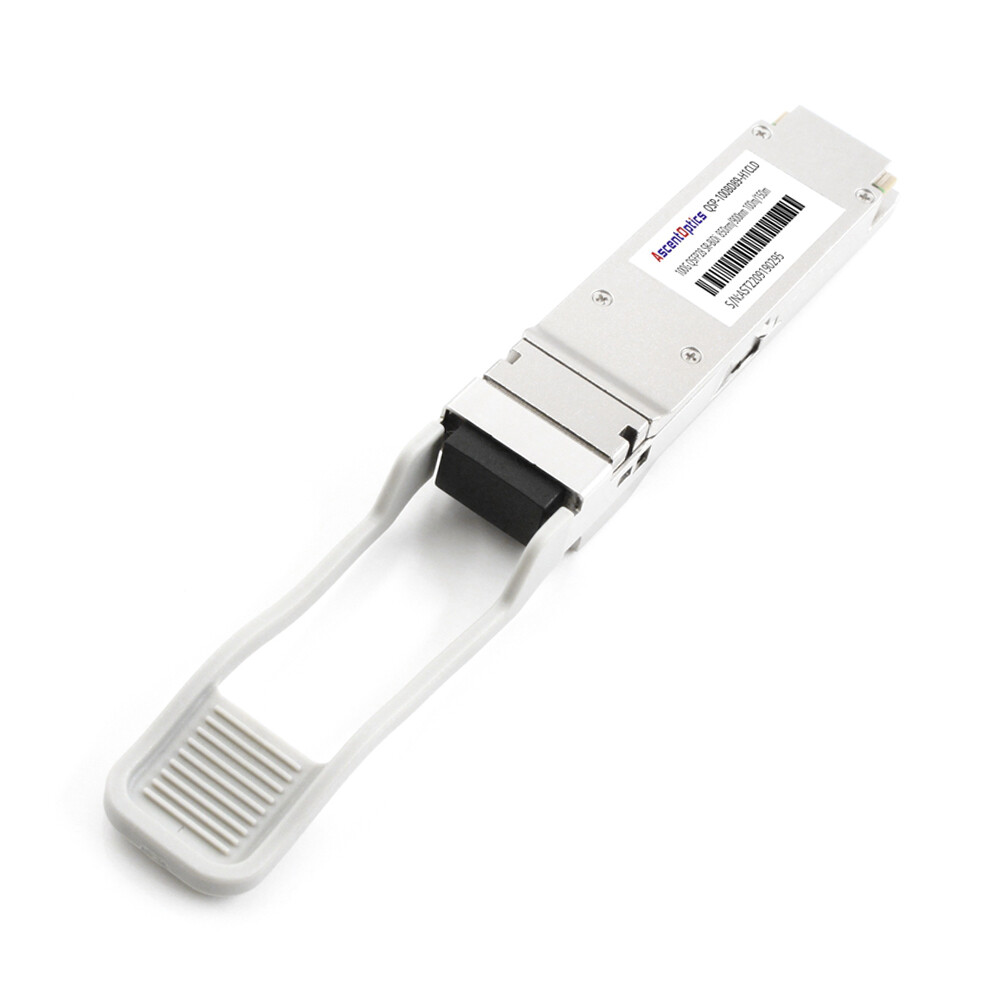
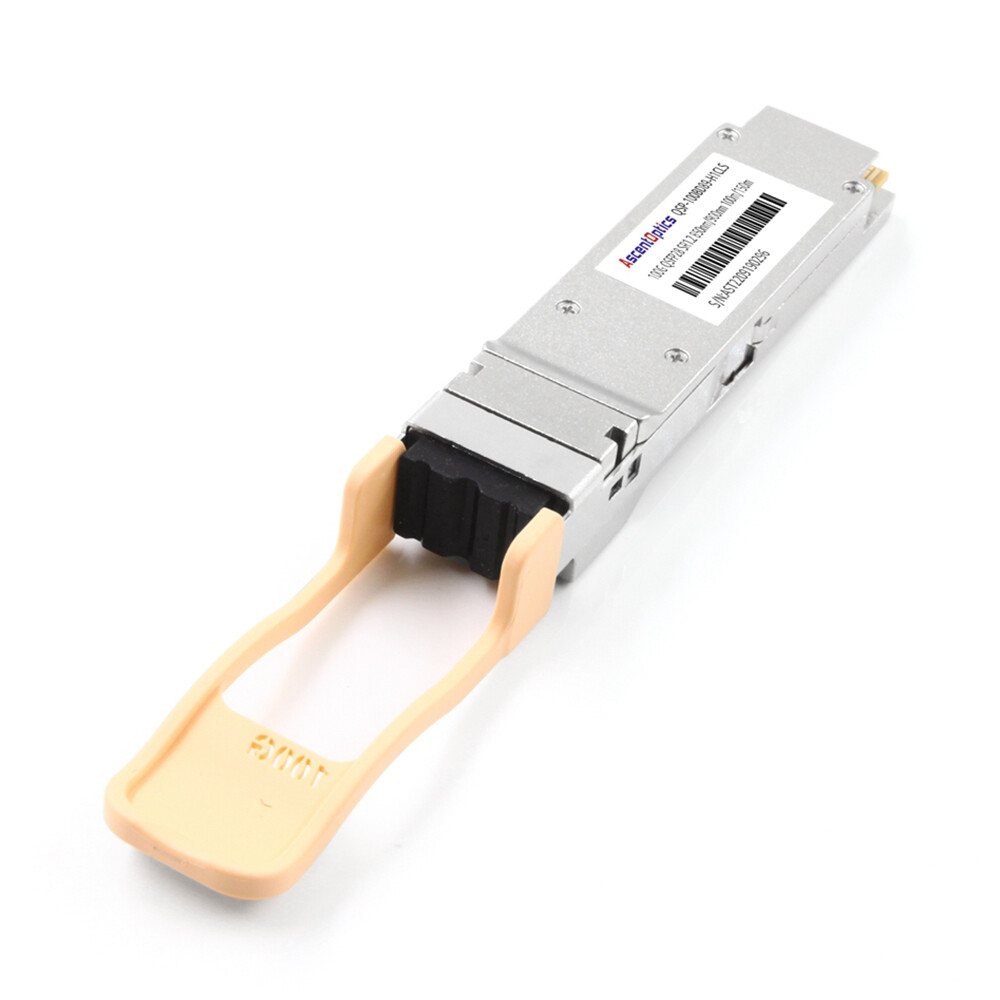
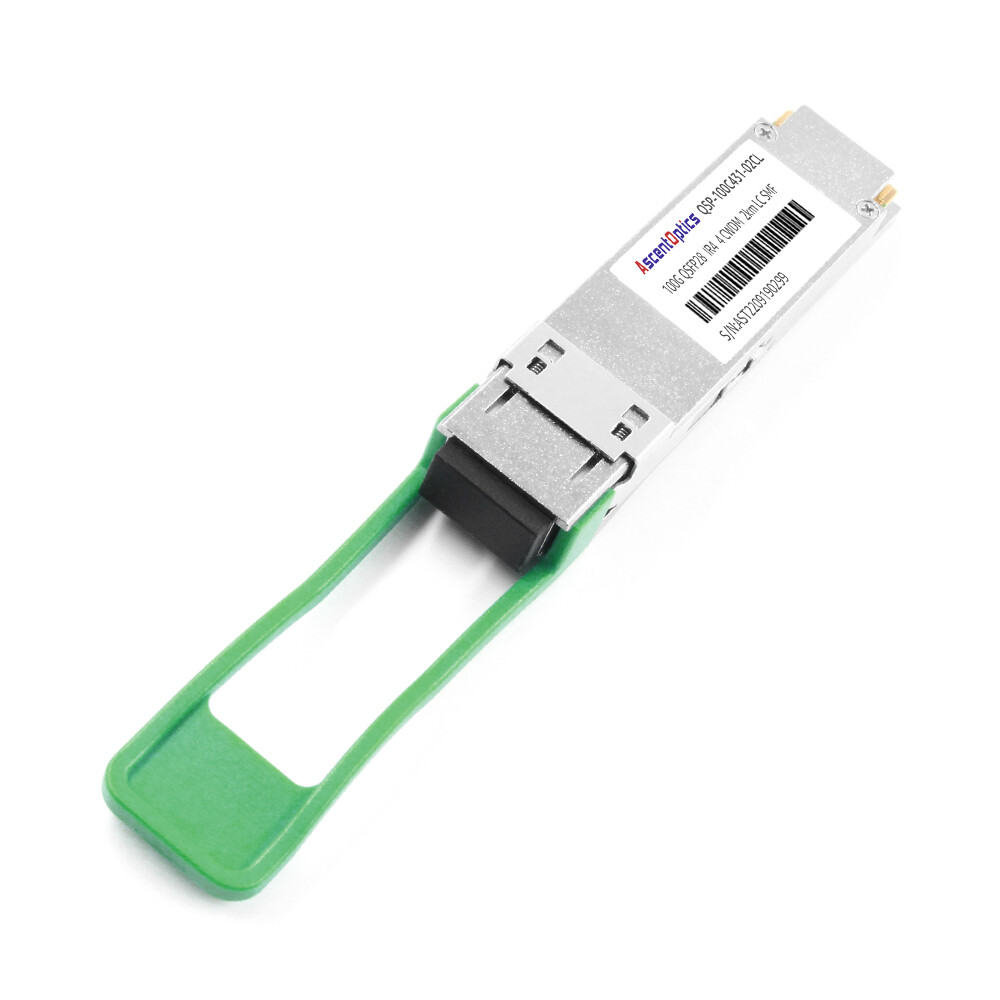
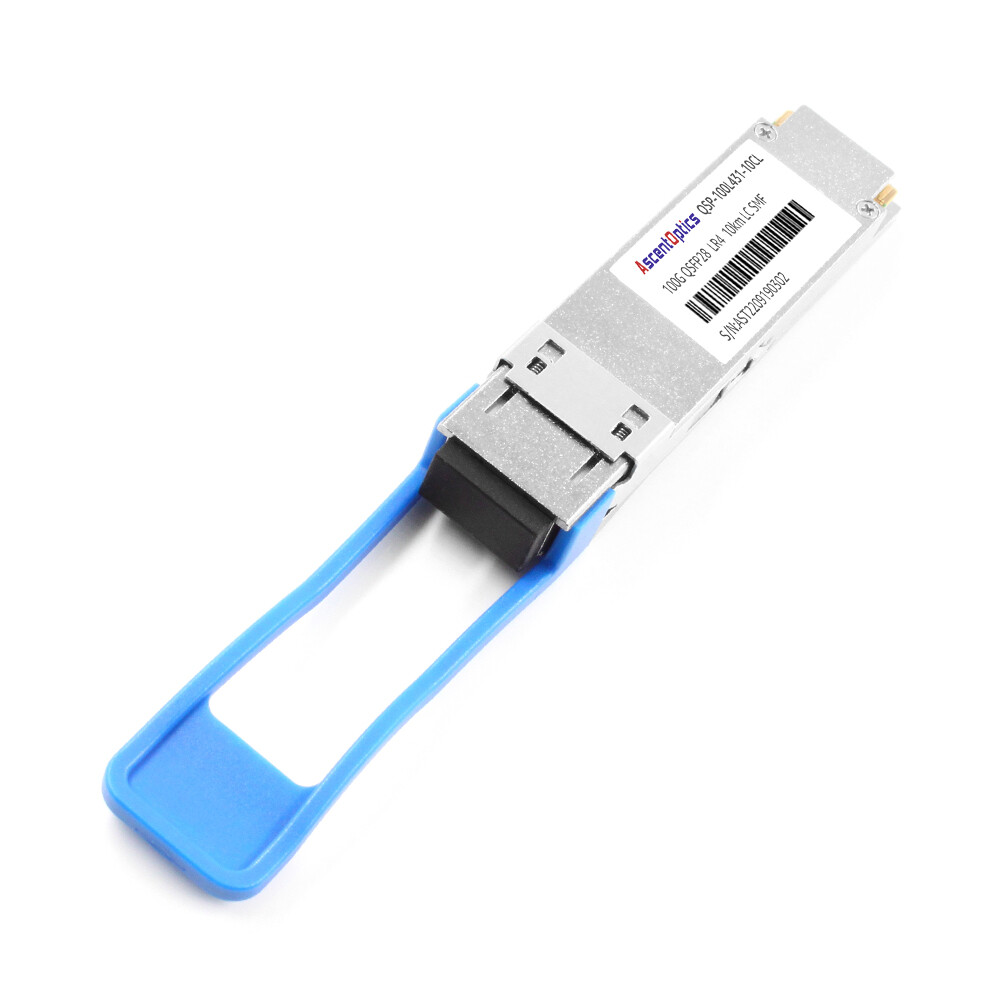
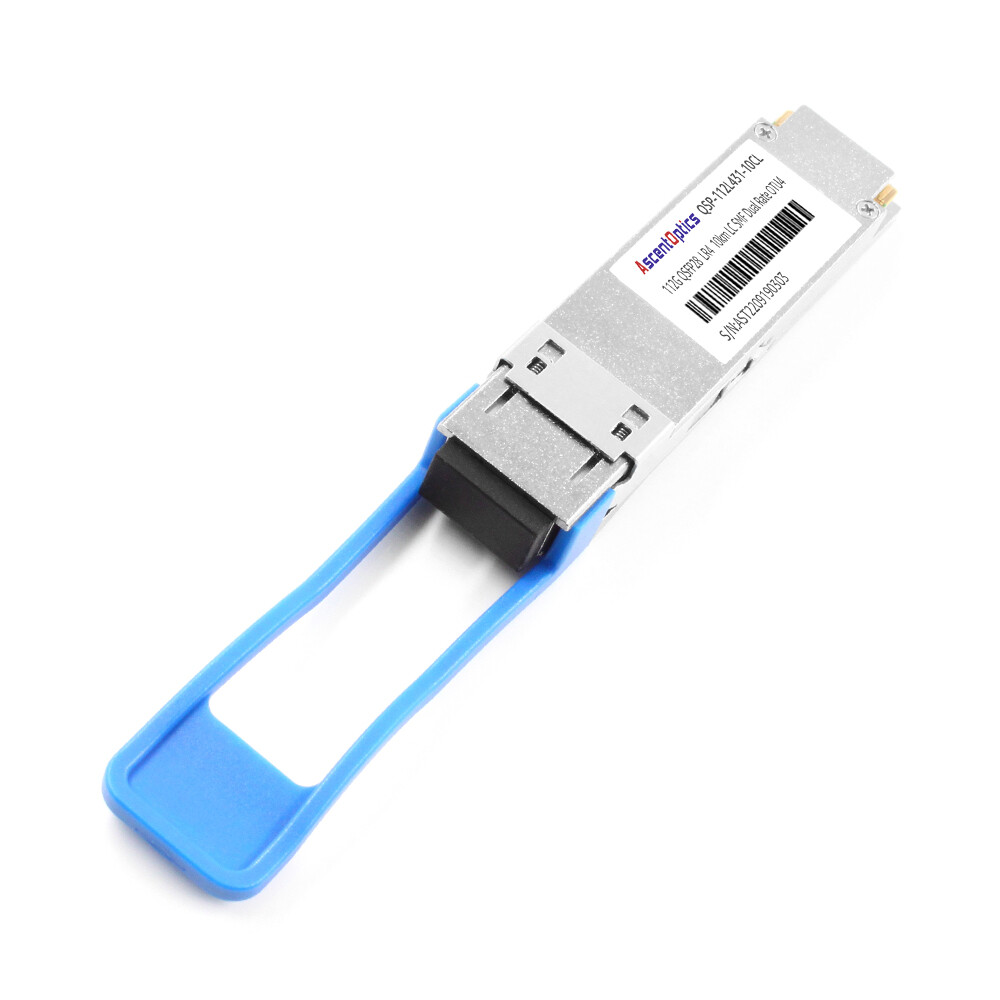
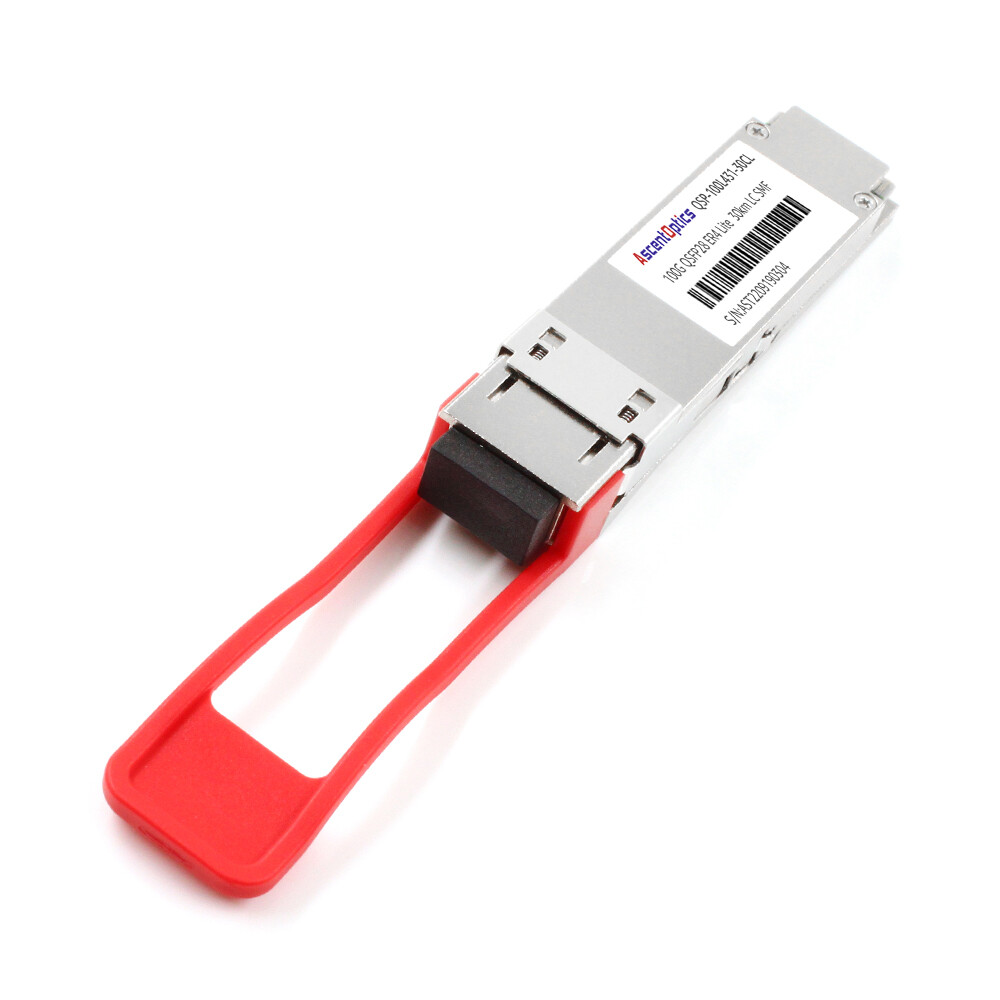
It seemed like a smart decision when Marcus Chen believed he had saved forty thousand dollars by ordering two dozen QSFP28 modules—assuming they would work with his existing 40G switch ports. However, the links failed to come up. The reason was simple but critical: QSFP28 modules cannot operate in QSFP+ ports.
This costly procurement mistake delayed the network upgrade by three weeks and highlights an important reality: QSFP28 vs QSFP+ compatibility is not as straightforward as it appears.
Avoid similar mistakes. In this guide, we will walk through electrical specifications, backward compatibility rules, power and thermal differences, and migration strategies for a smooth transition from 40G to 100G. We also include compatibility insights for Cisco, Arista, Juniper, and NVIDIA platforms.
Want to verify compatibility before you order? Explore Ascent Optics’ QSFP28 module portfolio or contact our engineers for a free compatibility review.
What Are QSFP+ and QSFP28?
QSFP+ (40G): The 4×10G Standard
QSFP+ modules deliver 40 Gbps using four lanes, each running at 10 Gbps. By the 2010s, they had become the standard for 10G aggregation and 40G spine-leaf links.
Fiber variants include multimode and single-mode options, such as 40GBASE-SR4 for short data center connections, 40GBASE-LR4 for single-mode links up to 10 km, and 40GBASE-PSM4 for parallel single-mode applications. All QSFP+ modules comply with the QSFP+ MSA and IEEE 802.3ba standards.
QSFP28 (100G): The 4×25G Evolution
QSFP28 delivers 100 Gbps over the same physical interface using four lanes, each running at 25 Gbps. The transition from XLPPI to CAUI-4 (25G per lane) means the QSFP28 vs QSFP+ discussion involves more than just speed.
Variants such as 100GBASE-SR4, 100GBASE-LR4, 100GBASE-CWDM4, and 100GBASE-ER4 make QSFP28 ideal for 100G leaf-spine architectures, 25G server breakout configurations, and high-bandwidth data center interconnects.
Why the Names Sound Identical (MSA Form Factor Heritage)
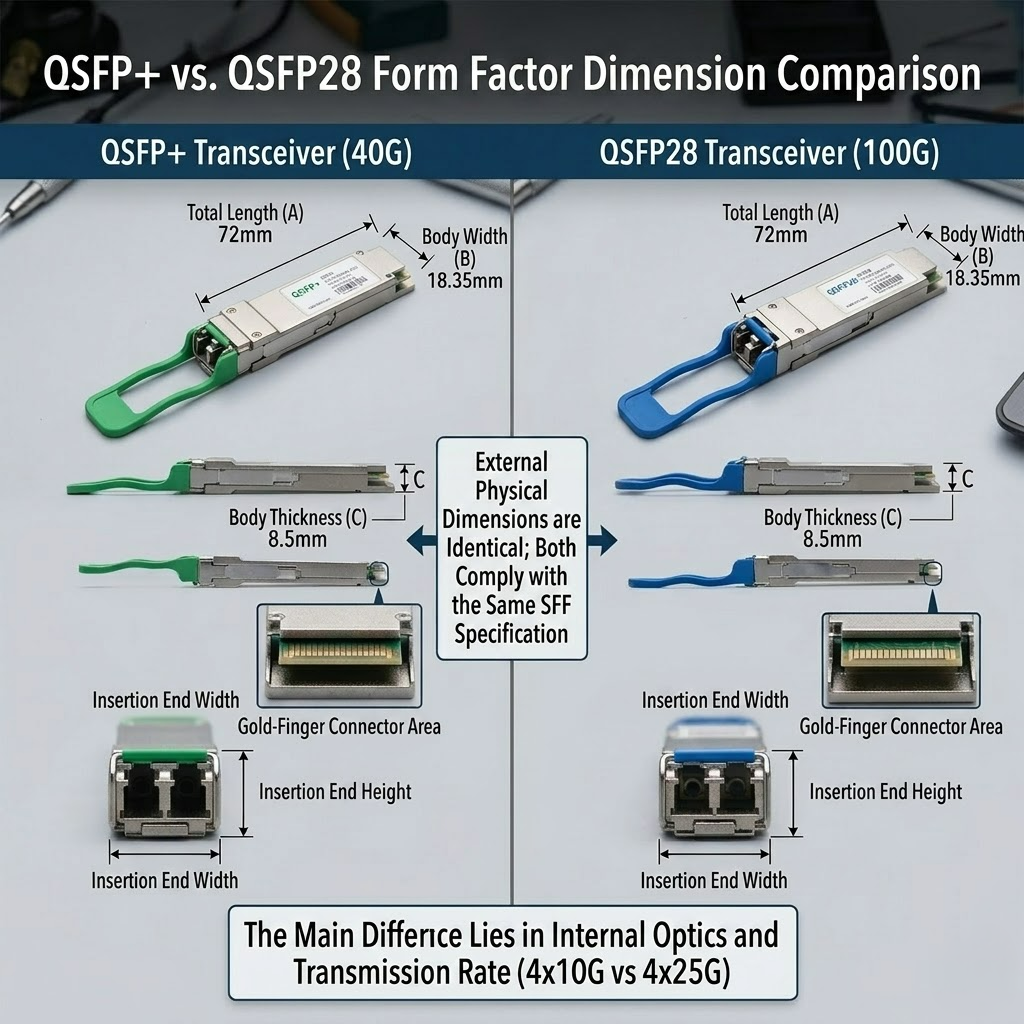
Both modules follow the QSFP MSA form factor and share identical dimensions (18.35 mm wide × 72.4 mm long), so they fit into the same cage. However, electrical signaling and host ASIC requirements determine whether a link will actually establish.
The “28” in QSFP28 refers to the 28 Gbps signaling rate per lane (including overhead). Do not assume compatibility based on physical appearance alone — the host switch ASIC must support the correct electrical standard.
QSFP28 vs QSFP+ Side-by-Side Comparison
The fastest way to understand the differences is to compare the two standards directly.
| Specification |
QSFP+ |
QSFP28 |
| Total Data Rate |
40 Gbps |
100 Gbps |
| Electrical Lanes |
4 × 10G |
4 × 25G |
| Interface Standard |
XLPPI |
CAUI-4 |
| Typical Power Draw |
1.5W – 3.5W |
3.5W – 5.5W |
| Max Power (MSA) |
3.5W |
5.0W |
| Fiber Types |
MMF / SMF |
MMF / SMF |
| Common Reach |
100 m – 10 km |
100 m – 40 km |
| Breakout Cable |
4 × SFP+ (10G) |
4 × SFP28 (25G) |
| Typical Use Case |
Legacy 40G spine/aggregation |
100G leaf-spine, AI clusters |
| Price Positioning |
Lower (legacy) |
Moderate (mainstream) |
This table reveals a critical pattern: QSFP28 is not just a faster QSFP+. It is a different electrical standard that requires a compatible host ASIC, even though the module physically fits into the same cage.
Compatibility: Can You Mix QSFP+ and QSFP28?
QSFP+ Module in a QSFP28 Port (Backward Compatibility)
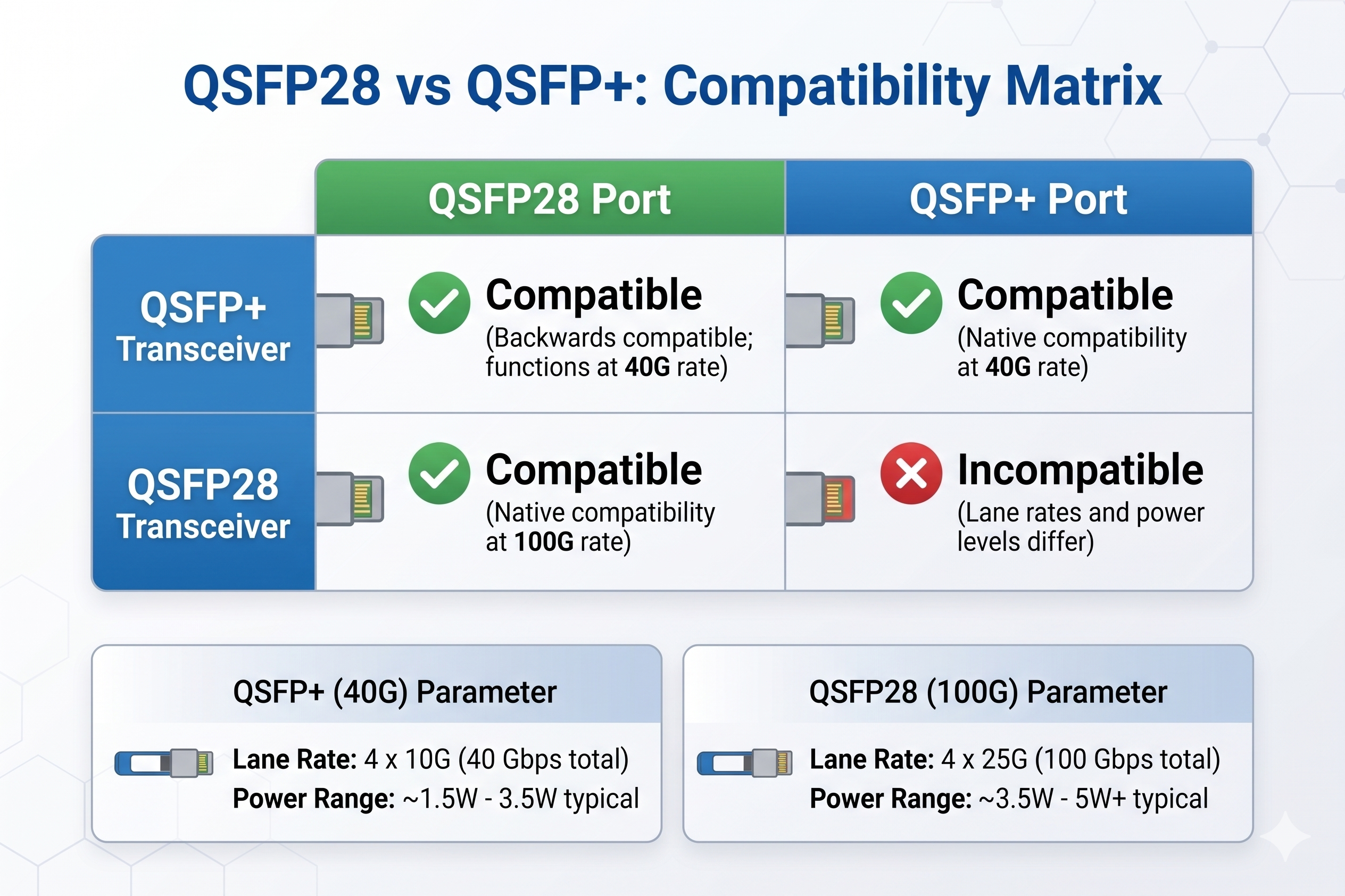
In most modern switches, inserting a QSFP+ module into a QSFP28 port causes the link to auto-negotiate down to 40G. This compatibility is enabled by the host ASIC and port firmware, allowing network engineers to reuse existing 40G optics during phased upgrades.
Sarah Kim, manager of a colocation facility in Singapore, used QSFP+ modules in her new QSFP28 switches for six months in 2024. The ports automatically negotiated to 40G with no extra configuration. This allowed her to delay purchasing 100G optics until lease renewal without any downtime.
QSFP28 Module in a QSFP+ Port (Why It Doesn’t Work)
QSFP28 modules require 25G NRZ electrical signaling that QSFP+ host ASICs cannot support. Inserting a QSFP28 module into a QSFP+ port will almost always result in no link, DDM errors, or complete failure.
This is exactly what happened to Marcus Chen. He assumed the identical form factor would work. In reality, his QSFP28 optics were incompatible with the 40G-only switches. The solution was to return the modules and order QSFP+ optics instead.
Important: Never try this combination in production. If your switch datasheet does not explicitly list 100G support, QSFP28 modules will not work.
Switch-Level Auto-Negotiation Behavior
Modern platforms from major vendors support auto-negotiation between 40G and 100G on QSFP28 ports. However, some switches require explicit speed configuration. Always verify the port speed command before assuming a module is faulty.
For example, on Cisco Nexus 9000 series, a QSFP+ module will automatically configure the port to 40G. On other platforms, you may need to manually enter “speed 40000”. Consult the vendor’s release notes for exact auto-negotiation behavior.
Breakout Cable Compatibility (4×SFP+ vs 4×SFP28)
QSFP+ breakout cables split a 40G port into four 10G SFP+ links. QSFP28 breakout cables split a 100G port into four 25G SFP28 links. Although the physical QSFP connector may fit, the different signaling rates make them non-interchangeable.
If you are upgrading 10G servers to 25G servers, you will also need new breakout cables along with your QSFP28 modules.
Power, Thermal, and Physical Differences
Power Consumption Comparison
A standard QSFP+ module consumes 1.5–3.5W, while QSFP28 modules consume 3.5–5.5W. On a fully loaded 32-port switch, replacing all QSFP+ transceivers with QSFP28 transceivers increases total optical power consumption by an additional 60–100W.
This extra power is manageable in most modern data centers but must be accounted for in power budgeting, PDU loading, and thermal design.
In one upgrade project, David Rodriguez replaced QSFP+ modules with QSFP28 optics on a 32-port spine switch. Within 48 hours, he received thermal alarms. The additional 80W of optical power exceeded the cabinet’s airflow margin. He resolved the issue by adding rack blanking panels and adjusting fan speeds.
Thermal Design and Airflow Considerations
Higher power draw translates into a higher heat reservoir within the switch cage. Data center operators should review their thermal budgets when migrating from QSFP+ to QSFP28. It is vital that your 1U high density switches have an inequitable front-to-rear airflow path.
Most likely, all enterprise-class switches can take a heat load, but the edge deployments and cabinets with marginal cooling might face problems. Monitor DDM temperature readings in the first week of any big migrations.
DAC/AOC Cable Compatibility
QSFP+ DAC cables use 10G per lane signaling, while QSFP28 DAC cables use 25G per lane. A QSFP28 port configured for 100G cannot use a QSFP+ DAC cable. Some vendors allow QSFP+ cables to operate at 40G in a QSFP28 port, but always consult your switch vendor’s cable compatibility matrix before purchase.
When to Choose QSFP+ vs QSFP28
When QSFP+ Still Makes Sense
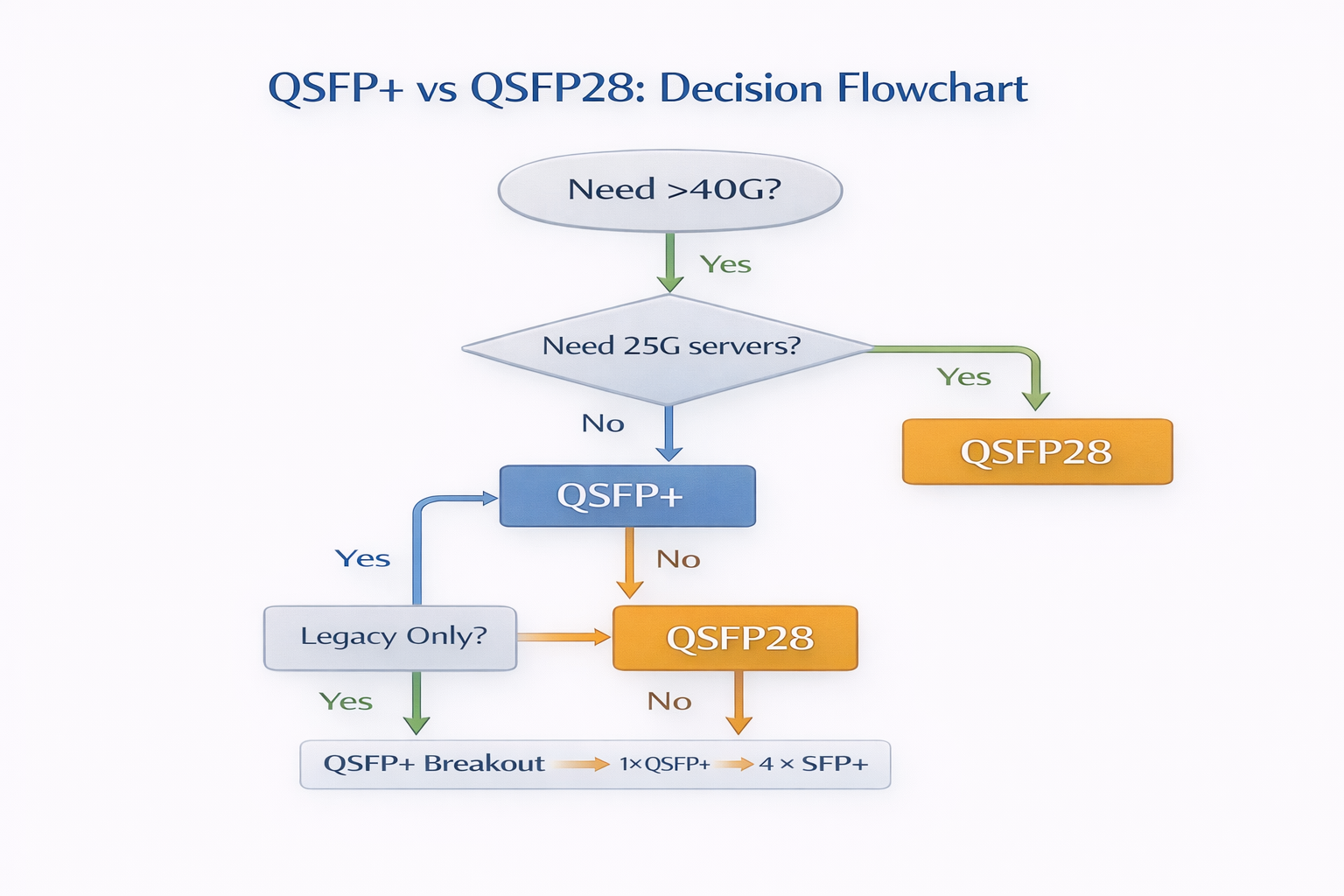
Legacy corporate LANs, stable 40G spine links, and cost-constrained environments often continue to use QSFP+. If your switches only support 40G and you have no immediate bandwidth growth requirements, QSFP+ remains a valid and economical choice. Many enterprises also maintain large spares inventories of QSFP+ modules that can still be used in QSFP28 ports.
When QSFP28 Is the Only Right Choice
New data center builds, large AI networking clusters, and 100G leaf-spine architectures require QSFP28. If you need 25G server connectivity or 100G interconnects, QSFP28 is the de facto standard.
All major cloud providers and hyperscale data centers standardized on QSFP28 years ago. Any greenfield deployment in 2026 should use QSFP28 unless there is a specific legacy constraint.
Mixed-Environment Strategy
Many organizations adopt a mixed approach: using QSFP+ modules in non-critical ports on QSFP28 switches and QSFP28 optics in high-bandwidth paths. This strategy maximizes port utilization and extends the life of existing 40G assets. Reserve QSFP28 for low-latency, high-throughput links and use QSFP+ for management, backup, or low-priority traffic.
Need help planning your 40G to 100G migration? Contact our optical networking experts for a customized upgrade roadmap.
Migration Strategy: Moving from 40G QSFP+ to 100G QSFP28
Step-by-Step Upgrade Path
- 1. Audit existing switch ports for QSFP28 support. Check datasheets for 100GBASE compatibility.
- 2. Verify firmware versions support 100G and auto-negotiation.
- 3. Test a single QSFP28 link before bulk deployment.
- 4. Update cable inventory for 25G lane signaling if using breakout or DAC cables.
- 5. Reassess power and thermal budgets based on higher module power draw.
- 6. Migrate production traffic in scheduled maintenance windows.
Reusing Existing Cabling Infrastructure
Both 40GBASE-SR4 and 100GBASE-SR4 operate over 100 meters on multimode OM4 fiber. Single-mode OS2 fiber supports LR4 and CWDM4 for both generations. In most cases, the entire fiber plant does not need replacement — only the optics and host signaling change. This is often the biggest cost advantage in a QSFP28 vs QSFP+ migration.
Breakout Migration: From 4×10G to 4×25G
Organizations using QSFP+-to-4×SFP+ breakout cables for 10G server connectivity will eventually need QSFP28-to-4×SFP28 cables for 25G servers. Plan this cabling transition together with your switch upgrade to avoid stranded capacity.
When you are ready to move beyond 100G, see our guide on how to choose QSFP-DD modules for next-generation deployments.
Switch Compatibility Matrix
Cisco Nexus and Catalyst
The QSFP28 ports on Cisco Nexus 9000 and Catalyst 9000 series devices are also backwards compatible with QSFP+. In most situations, the 40G auto-negotiation is triggered when the platform detects a QSFP+ module. Some particular QSPF28 platforms, such as the Nexus 93180YC-FX and Catalyst 9500, have gained particular popularity in the deployment of 100G leaf-spine fabric.
Arista 7000 Series
Arista 7050X3 and 7060X4 switches have significant QSFP28 support. The EOS software has a per-port speed configuration for the 40G or 100G operations. Arista platforms are widely deployed in financial services and cloud data centers, which require low latency.
Juniper QFX
Juniper supports the list of QFX5120 and QFX10000 QSFP28 ports that support speed mixing with either 40 or 100G. In a normal environment, Junos OS would need speed declarations to ensure a stable operation for these instances. The network engineers will have to ensure they check the specific line card and firmware combinations under consideration before deployment.
NVIDIA/Mellanox ConnectX
NVIDIA ConnectX-5 and ConnectX-6 adapters support QSFP28 ports. Therefore, these adapters can auto-negotiate to 40G when QSFP+ optics are installed. Hence, the most popular adapters have become an AI and HPC fabric.
Conclusion
For any network upgrade, it is essential to understand the differences between QSFP28 and QSFP+. Although both modules share the same form factor, they use different electrical signaling. The good news is that QSFP28 ports are backward compatible with QSFP+ modules, preserving your existing investment. There is no forward compatibility, so never insert QSFP28 optics into a 40G-only switch.
Power, thermal, and breakout cabling requirements also change during migration. Be sure to factor in these elements alongside your switch upgrade to avoid surprises.
Key takeaways:
- QSFP+ = 40G (4×10G); QSFP28 = 100G (4×25G)
- QSFP+ works in QSFP28 ports(backward compatible)
- QSFP28 does NOT work in QSFP+ ports
- QSFP28 consumes more power; verify thermal budgets
- Breakout cables are not interchangeablebetween generations
Ready to upgrade your network? Explore Ascent Optics’ QSFP28 transceiver solutions and request a quote for your next deployment. For a deeper dive into 100G optics, read our complete QSFP28 transceiver guide.
Frequently Asked Questions
Q1. Is a QSFP28 module compatible with a QSFP+ port?
QSFP28 modules require 25G SerDes that QSFP+ ports cannot support. QSFP28 ports, however, can accept QSFP+ modules.
Q2. Are QSFP+ and QSFP28 modules compatible with the same fiber?
Yes in most cases. Both 40G and 100G QSFP standards run over multimode and single-mode fiber. The fiber plant usually stays the same — only the optics and host signaling change.
Q3. What is the difference in power consumption between QSFP+ and QSFP28 modules?
QSFP+ typically draws 1.5W to 3.5W, while QSFP28 draws 3.5W to 5.5W. The higher thermal output must be considered when migrating to 100G.
Q4. Are breakout cables interoperable between QSFP28 and QSFP+?
No. QSFP+ breakout cables split into four 10G SFP+ links, while QSFP28 breakout cables split into four 25G SFP28 links. The signaling rates are different.
Q5. Which vendors support using QSFP+ modules in QSFP28 ports?
Cisco, Arista, Juniper, and NVIDIA/Mellanox all support this backward compatibility. Always verify the specific switch model and firmware version.
Q6. When should I upgrade from QSFP+ to QSFP28?
Upgrade when your per-link bandwidth needs exceed 40G, when you require 25G server connectivity, or when building a 100G leaf-spine architecture.
IEEE 802.3bm standards
Cisco transceiver module documentation
Post Views: 2,404