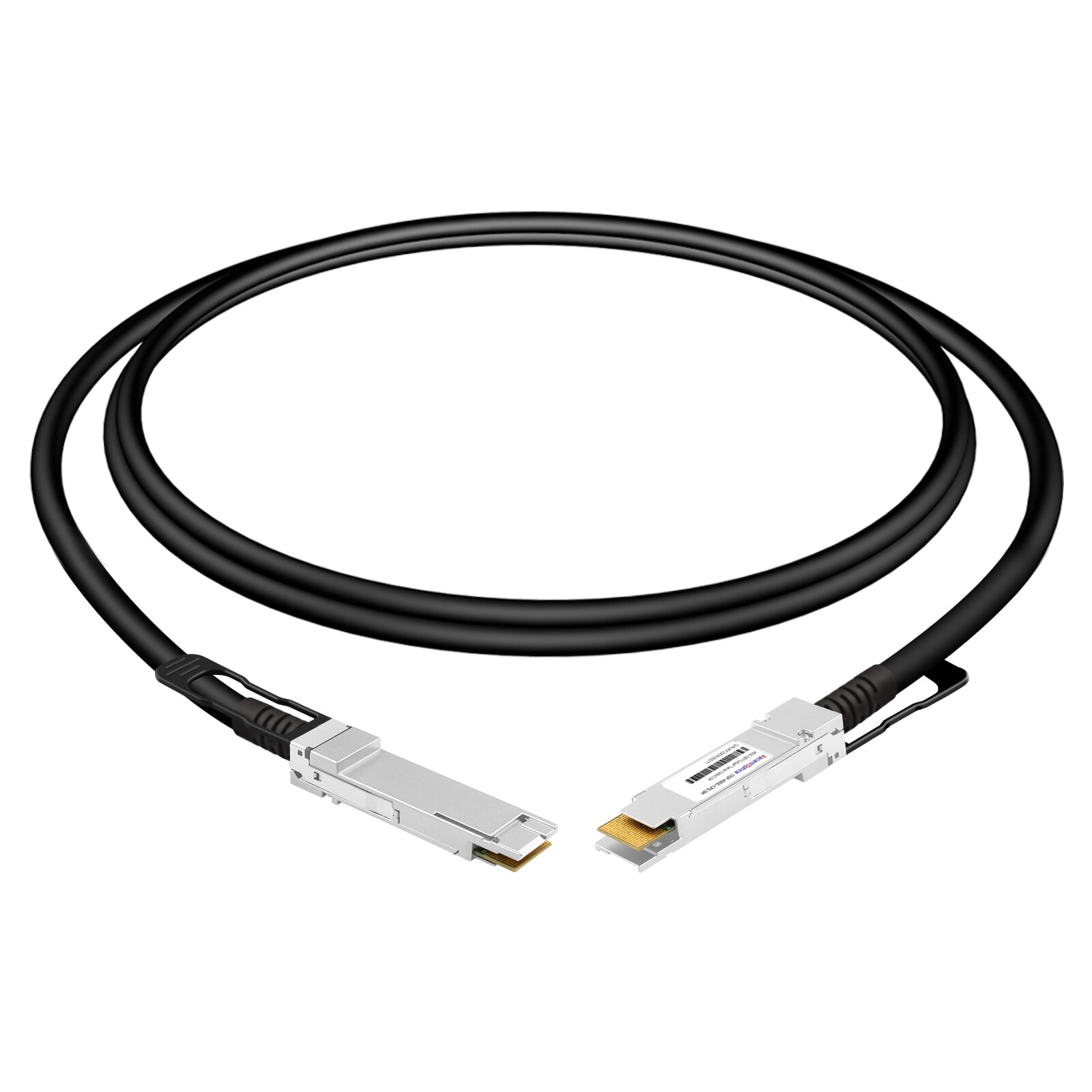
The stable interoperability of a DAC cable depends on how well the switch and the network interface card (NIC) align in terms of port type, data rate, encoding scheme, vendor compatibility policies, and firmware. Before deployment, it is essential to verify the specifications and compatibility lists for both ends and to conduct practical testing—covering link negotiation, bit error rates, and hot-plug performance—to mitigate potential risks.
What Makes a DAC Cable Compatible?
Connector Fit vs. Vendor Recognition
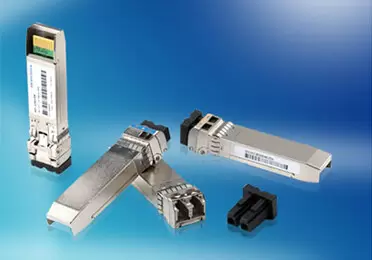
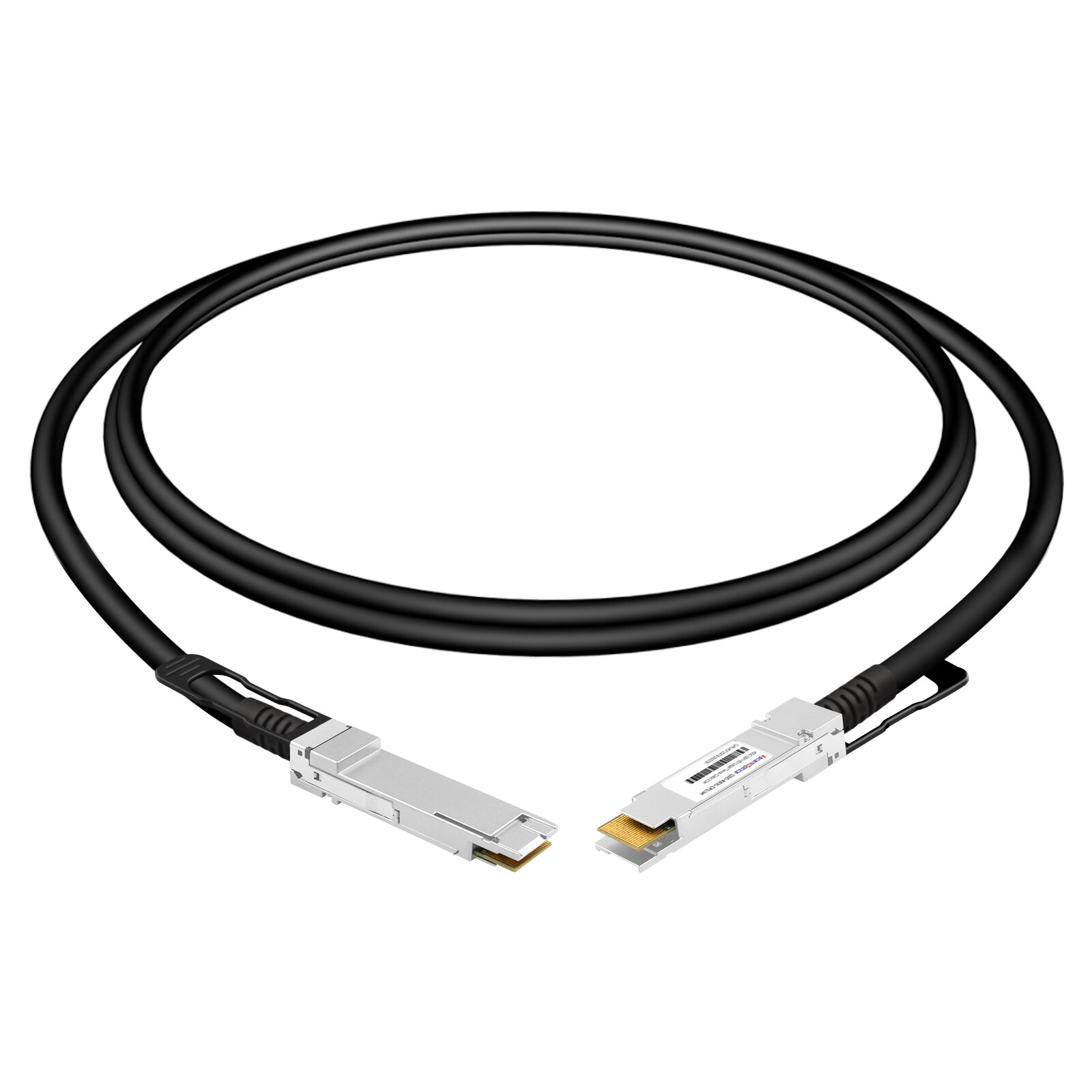
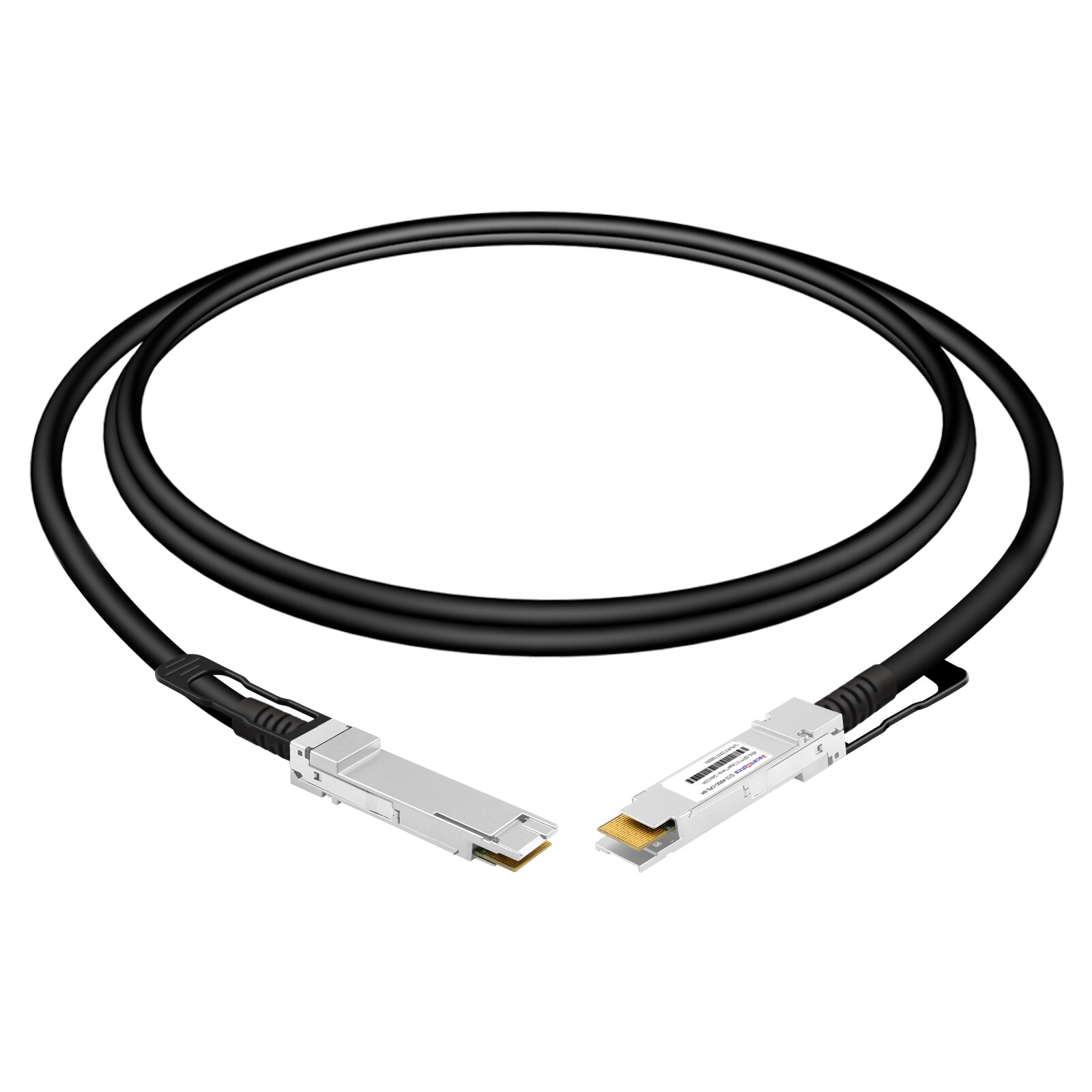
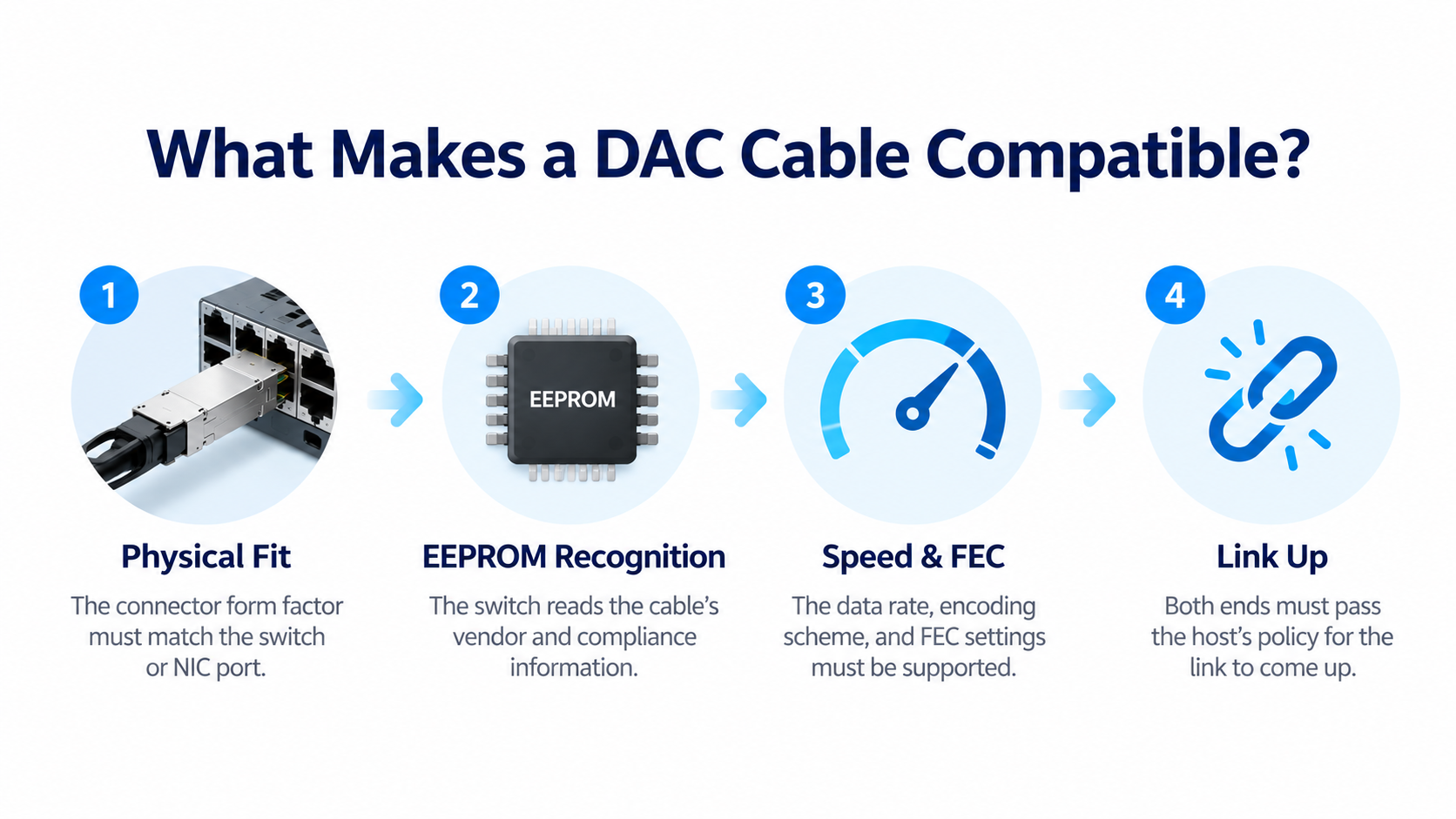
A DAC (Direct Attach Copper) cable has a transceiver-style connector fixed to each end. The connector form factor, SFP28, QSFP28, QSFP-DD, or OSFP, only solves the physical fit. Recognition is a separate step.
When you insert a DAC, the switch reads the cable’s EEPROM and applies its own host policy. If the vendor and compliance codes in that EEPROM do not match what the switch expects, the port stays down. The connector fitting correctly tells you nothing about whether the switch will accept the cable.
MSA-Compliant vs. OEM-Coded DAC Cables
Two terms dominate every compatibility conversation.
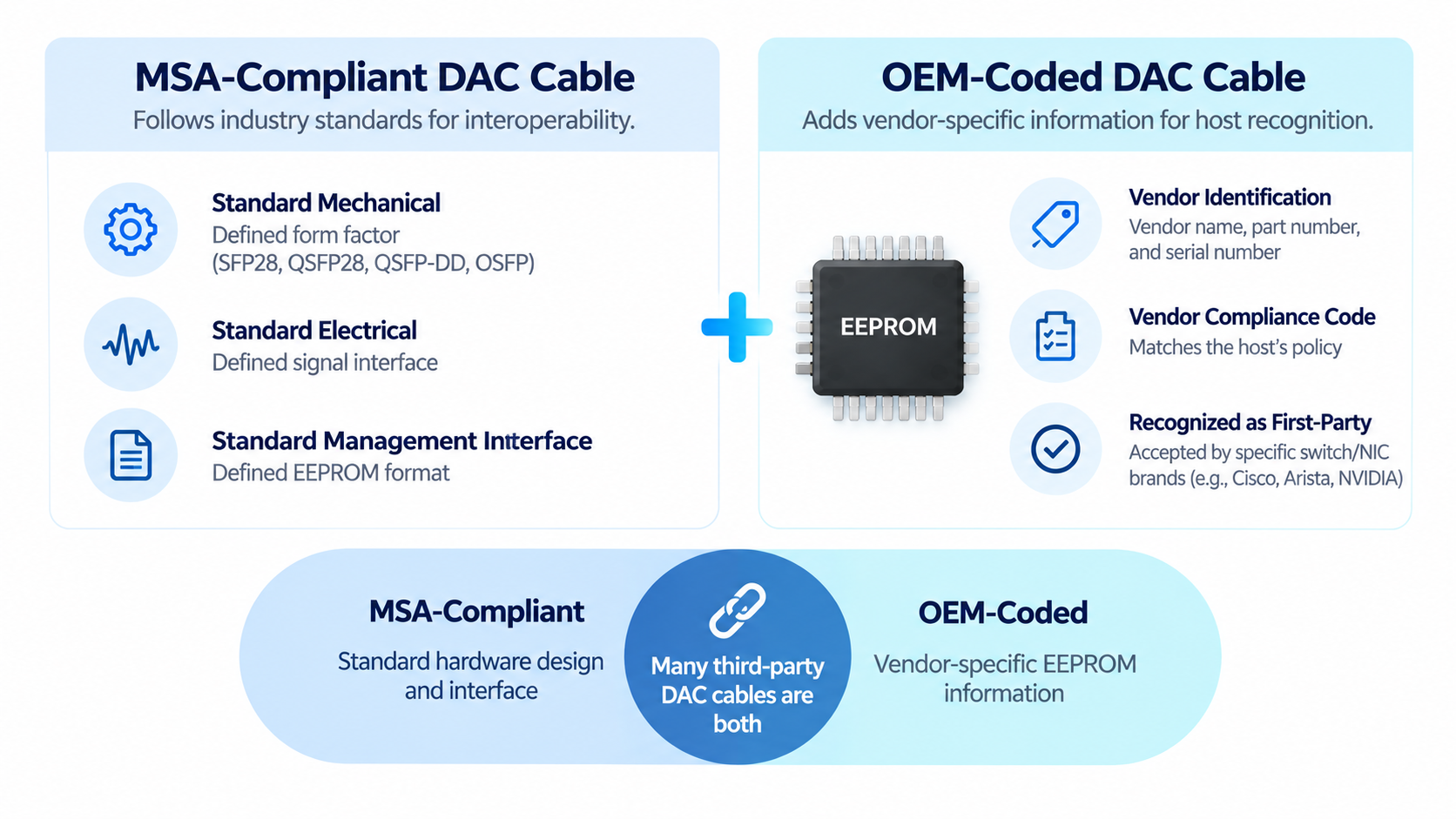
A Multi-Source Agreement (MSA) defines the electrical, mechanical, and management interface so that cables from different suppliers can interoperate. An MSA-compliant cable follows those specifications.
An OEM-coded cable adds a vendor-specific signature to the EEPROM so a specific brand of switch recognizes it as a first-party part.
Many third-party cables are both: they are MSA-compliant in construction and OEM-coded in the EEPROM, so they pass the host’s policy check. Understanding this distinction is the fastest way to avoid the “unsupported transceiver” error.
EEPROM, CMIS, and How a Switch Identifies a Cable
A switch or network interface card (NIC) may read a DAC cable’s management information to identify the cable and determine whether it is supported. Depending on the cable form factor and management specification, this information may include the vendor name, part number, serial number, cable length, and compliance codes.
The management interface and memory map vary across SFP, QSFP, and CMIS-based implementations. Passive DAC cables generally do not provide the same digital diagnostic capabilities as optical transceivers, while active electrical cables (AECs) may support additional management and monitoring functions.
Cable identification is only one part of compatibility. Even when a cable is recognized, the link may fail to establish if the port configuration, data rate, breakout mode, FEC settings, or electrical characteristics are incompatible.
Practical rule: Verify cable recognition and physical-link compatibility separately at both ends of the connection.
The “Both Ends Must Pass Host Policy” Rule
Compatibility is not a single check. Each switch or NIC at either end of the cable runs its own validation. A cable coded for Cisco on one end and Arista on the other will work only if both ends were programmed correctly.
This matters most with breakout and hybrid cables, which we cover below. For a standard point-to-point link, the fix is simple: code both ends for the vendor that owns each port.
DAC Cable Compatibility by Vendor
Cisco DAC Cable Compatibility
Cisco behavior varies by platform. Nexus switches generally accept MSA-compliant third-party cables but may log a NON-CISCO_TRANSCEIVER warning and keep the link up. Older Catalyst and MDS platforms can be more restrictive.
A Cisco-coded EEPROM removes the warning entirely and is the cleaner choice for production fleets where support calls are a concern.
Arista DAC Cable Compatibility
Arista switches generally recognize MSA-compliant DACs without issue. Some models, however, enforce vendor lock and require an unlock code from Arista support before a third-party cable is accepted.
For most Arista deployments, an Arista-coded DAC is the simplest path. It avoids the support ticket entirely and behaves like first-party hardware.
Juniper DAC Cable Compatibility
Juniper is among the more permissive vendors. Third-party DACs usually work on Juniper switches, and JTAC rarely blocks them outright. The catch is operational: during troubleshooting, JTAC may ask you to swap in Juniper-qualified cables before it continues.
A Juniper-coded EEPROM avoids the CLI warning and keeps support conversations moving. For engineers running mixed Juniper and Cisco environments, a cable coded per end solves the problem cleanly.
NVIDIA / Mellanox DAC Cable Compatibility
Compatibility requirements vary across NVIDIA networking platforms, including ConnectX network adapters and Quantum switches. Depending on the model, firmware, and support policy, a platform may enforce vendor-specific cable identification or compatibility requirements.
Before deployment, verify the cable’s supported data rate, reach, connector type, EEPROM coding, and compatibility with the specific adapter or switch. Where applicable, consult the platform’s official compatibility documentation and qualified cable list.
For example, the NVIDIA/Mellanox MCP2M00-A001 part number may be used as a reference when checking a specific 25G SFP28 DAC option. Confirm the exact product specifications and supported platforms before using it as a replacement reference.
For mixed-vendor environments, validate both ends of the link rather than relying on cable coding alone.
HPE, Dell, and Other Switch Vendors
HPE and Dell switches generally follow the MSA permissiveness of Arista and Juniper. Some HPE models log a warning but keep the port up. Dell’s enterprise switches tend to accept MSA-compliant DACs without complaint.
The pattern across the industry is consistent: newer, data center-focused platforms are more permissive; older enterprise and storage platforms are more restrictive.
Vendor Compatibility Matrix
| Vendor |
Third-Party DAC Behavior |
Workaround / Coding Need |
| Cisco |
NON-CISCO_TRANSCEIVER Warning on Nexus; older Catalyst/MDS may lock |
service unsupported-transceiver; Cisco-coded EEPROM |
| Arista |
MSA-compliant usually recognized; some models require unlock code |
Request unlock code; Arista-coded EEPROM |
| Juniper |
Generally accepts third-party; JTAC may request Juniper-coded during troubleshooting |
Juniper-coded EEPROM avoids warnings |
| NVIDIA/Mellanox |
Requires NVIDIA/Mellanox EEPROM coding |
NVIDIA-coded EEPROM (e.g., MCP2M00-A001) |
| HPE / Dell |
Usually accepts MSA-compliant cables |
Vendor coding recommended, rarely required |
Passive vs Active DAC Compatibility Considerations
Passive DAC Reach at Different Data Rates
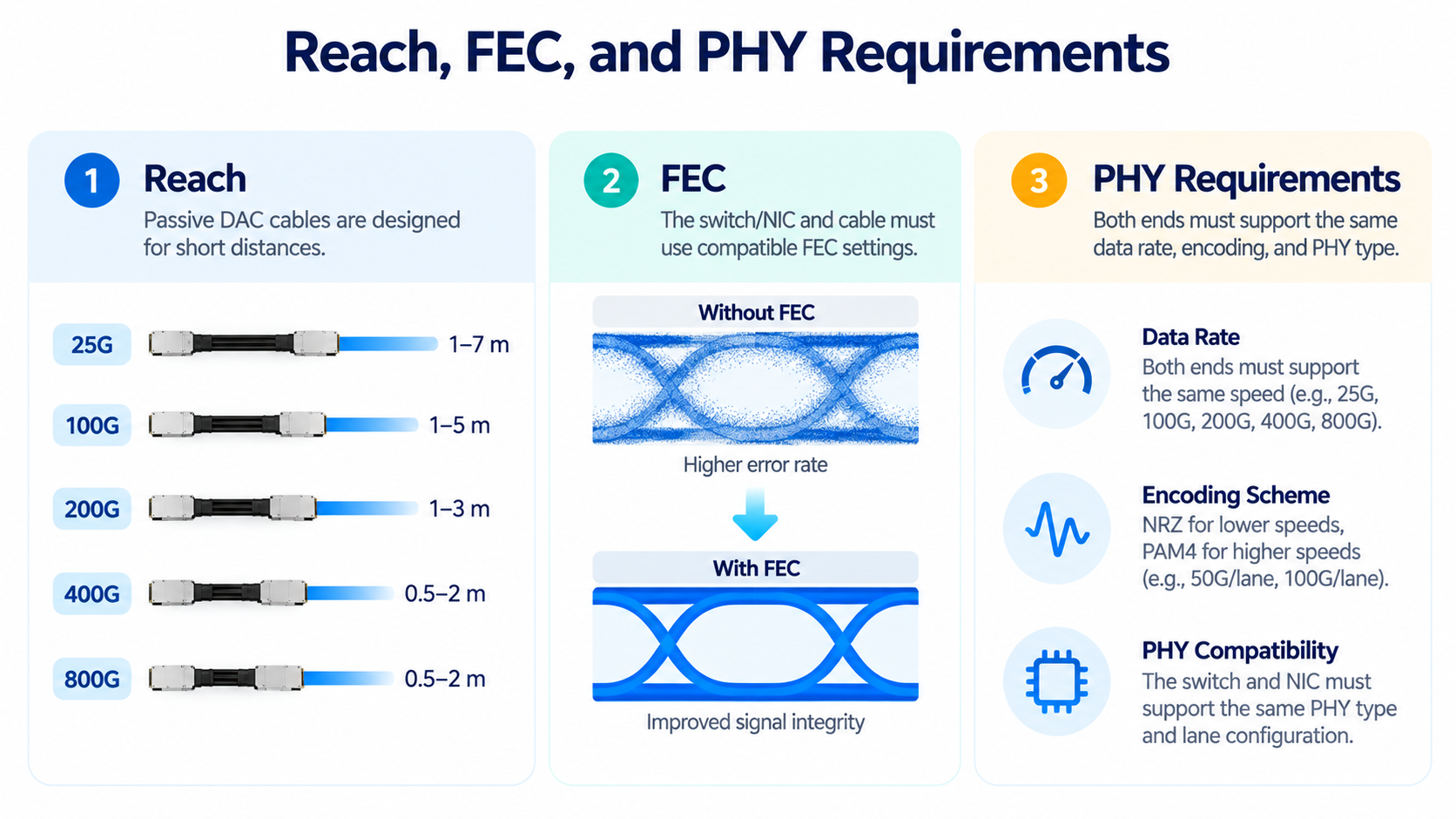
Passive DAC reach generally becomes more challenging as signaling rates increase because higher-speed links have tighter signal-integrity margins. The maximum supported length depends on the cable design, conductor gauge, connector characteristics, host PHY, and applicable electrical requirements.
At higher data rates, a passive DAC that works reliably at a shorter speed or distance may not meet the signal-integrity requirements of an upgraded link. Active electrical cables (AECs) may provide an alternative where additional reach is needed, subject to platform and cable compatibility.
The distances quoted for 25G, 100G, 400G, 800G, and next-generation links should be treated as product-dependent reference values, not universal limits. Always check the manufacturer’s specifications for the exact cable model and host platform.
Why PAM4 Speeds Tighten Compatibility
The shift to PAM4 modulation is the reason higher-speed copper is so sensitive. PAM4 encodes two bits per symbol, which tightens the signal-to-noise budget dramatically. 200GBASE-CR4, for example, requires RS(544,514) FEC to maintain a reliable link.
This is why a passive DAC that works at 100G may fail at 400G over the same distance. The cable is not broken; the physical layer simply has less margin. If you are upgrading a rack from 100G to 400G, re-verify reach and FEC configuration, not just the connector.
Gauge (AWG) and Length vs. Link Stability
Cable gauge directly controls reach. Thicker copper carries signal farther. For 200G QSFP56 DACs, a 30 AWG cable is typically rated to about 1.5 meters, 28 AWG to 2 meters, and 26 AWG to 2.5 to 3 meters.
The takeaway is practical: buy the correct gauge for the distance. A thinner gauge chosen to save cost will fail at the far end of its run. For a deeper look at passive and active construction, see our passive vs active DAC comparison.
Breakout and Hybrid DAC Compatibility
Breakout Cables and Lane/PHY Alignment
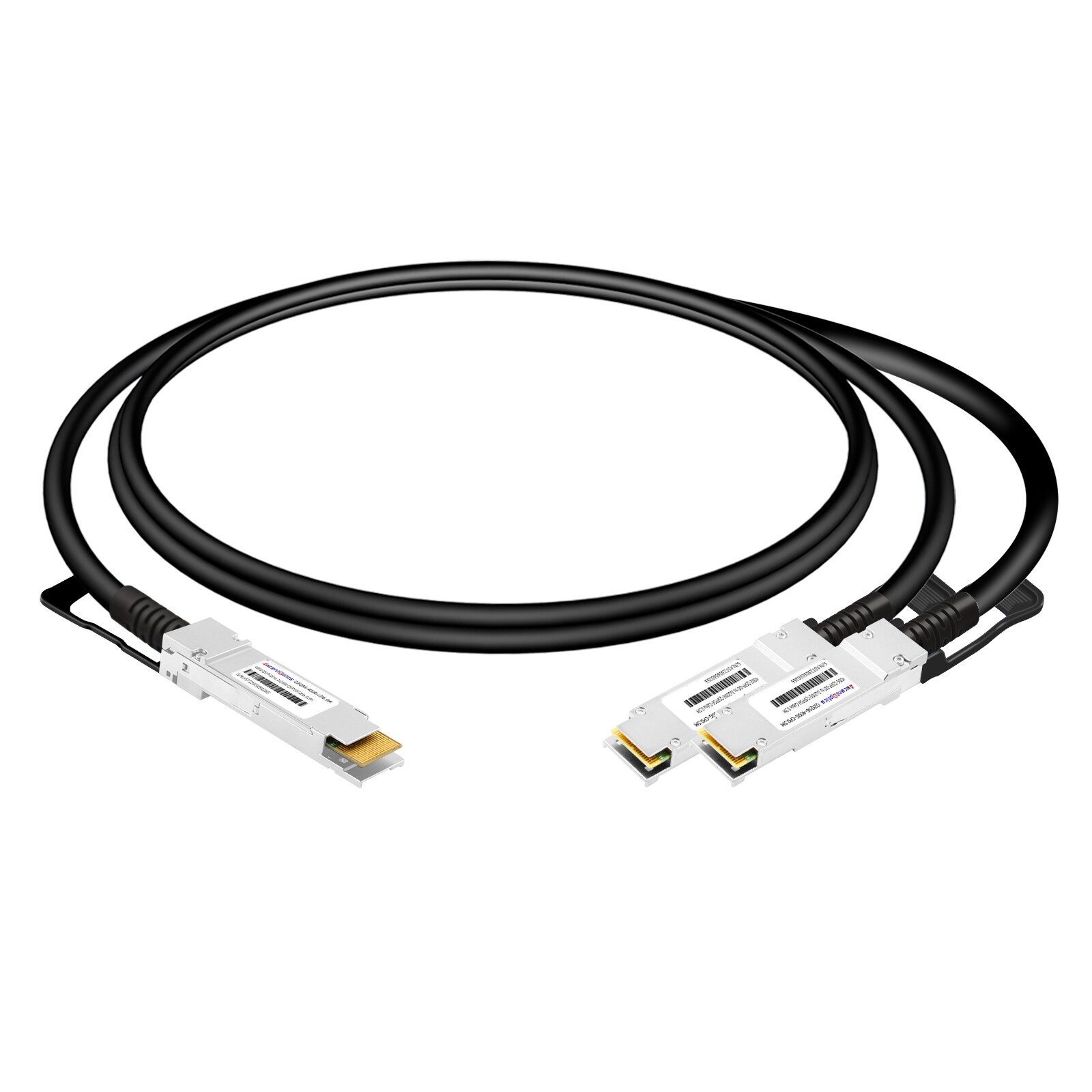
Breakout DACs split one high-speed port into multiple lower-speed links, such as a 400G port into four 100G links. Matching the connector is only the start. The switch ASIC, lane architecture, FEC, and PHY configuration must all align with the breakout type.
A 400G-to-4x100G breakout on a QSFP-DD port will not work if the switch expects a straight 400G link.
Hybrid Dual-Vendor Coding
In top-of-rack and leaf-spine designs, a cable often connects a switch from one vendor to a NIC or switch from another. A hybrid DAC solves this by coding each end for a different OEM.
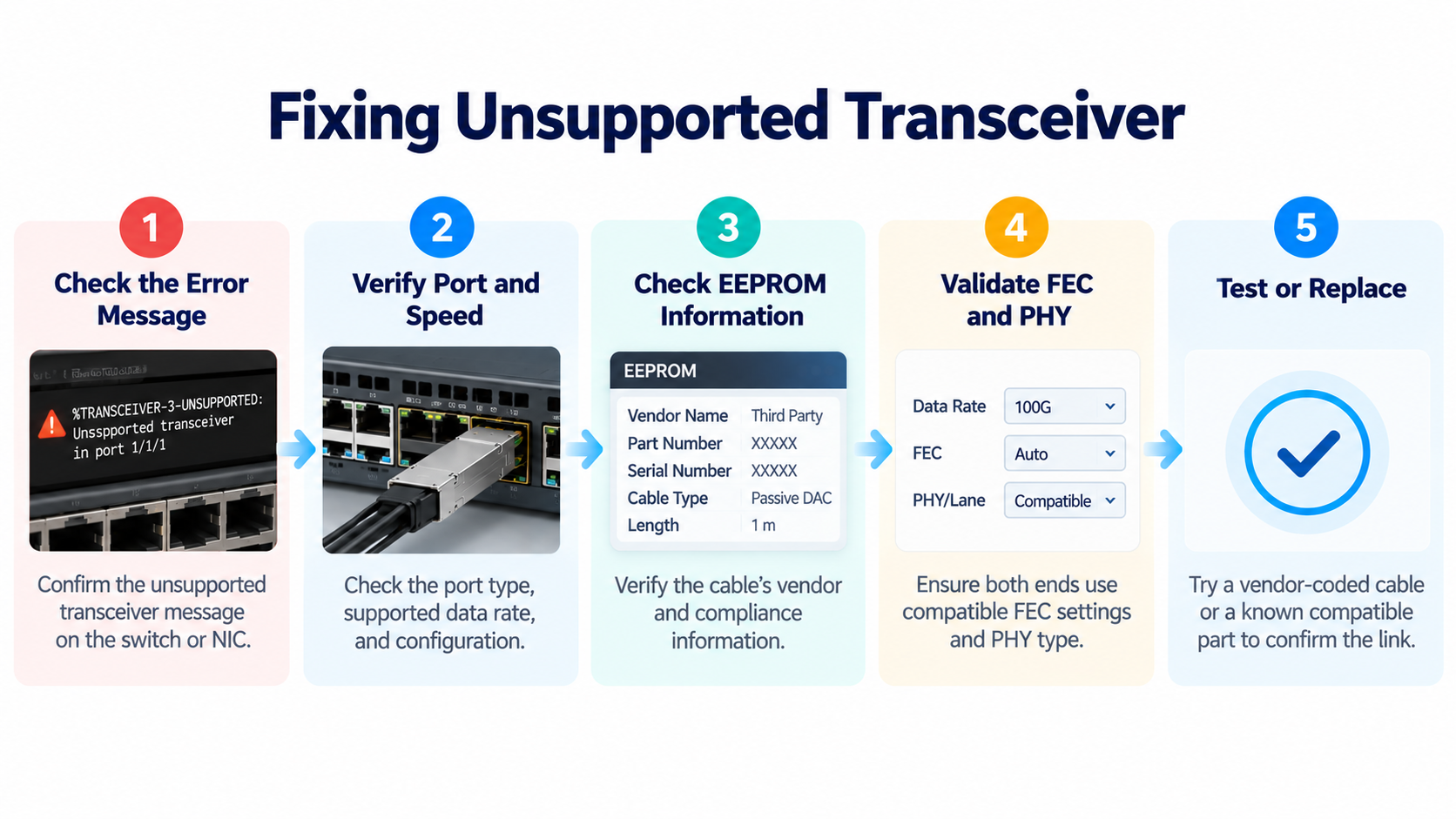
Fixing “Unsupported Transceiver” and Link-Down Errors
Cisco CLI Workarounds
On Cisco platforms, the two commands mentioned earlier, service unsupported-transceiver and no errdisable detect, cause gbic-invalid and clear most third-party cable rejections. Apply them in configuration mode, then re-insert the cable or clear the errdisable state.
Verifying EEPROM Coding and Checksums
If a cable still fails after the workaround, verify the EEPROM coding itself. The vendor and part number fields on both ends must be present, the compliance code must match, and the checksum must be valid. A cable with a corrupted or blank EEPROM will never pass host policy.
When to Replace vs. Re-Code a Cable
If one cable in a batch fails and others work, suspect a programming error on that unit. A properly coded third-party DAC should behave identically to first-party hardware. If a cable is physically damaged, no amount of recoding fixes it, replace it. But if the EEPROM is merely wrong, recoding or a correctly coded replacement solves the problem.
Third-Party DAC Cables: Cost vs. Support Risk
The 50 to 80 Percent Savings vs. OEM-Branded DACs
Third-party DACs typically cost 50 to 80 percent below OEM list price for the same reach and form factor. For a data center deploying hundreds of short intra-rack links, that difference is material.
The trade-off is support posture. Some vendors will ask you to swap in their own qualified cable before troubleshooting a link issue. For most short-reach copper links, where failure modes are rare and well understood, that risk is manageable. For mission-critical storage or GPU fabric links, it may be worth paying for first-party cables.
How Ascent Optics Codes DACs for Multi-Vendor Fleets
This is where a manufacturer with coding capability earns its keep. Ascent Optics produces DAC cables coded for Cisco, Arista, Juniper, NVIDIA, HPE, and Dell, and supports hybrid dual-vendor coding for mixed environments. Because the cables are built to MSA and IEEE specifications and tested for signal integrity, you get the savings of a third-party cable without gambling on recognition.
For a deeper comparison of copper against optical alternatives, see our DAC vs AOC guide and the 400G DAC cables reference.
Frequently Asked Questions
Are DAC cables compatible with any switch?
No. A DAC cable is physically pluggable but not automatically recognized. The switch must accept the cable’s EEPROM identity under its host policy. MSA-compliant cables often work across vendors, but vendor-coded cables avoid warnings and lockouts.
How do I know if a DAC cable is compatible with my switch?
Check the vendor’s qualified cable list, confirm the port form factor and speed, and confirm the cable’s EEPROM coding matches the switch vendor. For 200G and above, also validate FEC and PHY configuration.
What is vendor coding on a DAC cable?
Vendor coding is a vendor-specific signature written to the cable’s EEPROM so that a specific brand of switch recognizes the cable as first-party hardware. Mechanical fit alone is not enough.
Do DAC cables work with Arista and Juniper switches?
Yes. Arista and Juniper generally accept MSA-compliant third-party DACs. Some Arista models require an unlock code, and Juniper support may ask you to test with a Juniper-coded cable during troubleshooting.
What is the difference between MSA-compliant and OEM-coded DAC cables?
MSA-compliant means the cable follows the Multi-Source Agreement specifications. OEM-coded means the EEPROM carries a vendor-specific signature. Many third-party cables are both.
Can I use a DAC cable in an SFP+ port?
Yes, if the cable is an SFP+ DAC and the port supports the cable’s data rate. An SFP+ 10G DAC will not run a 25G SFP28 link, so confirm the port speed first.
Post Views: 55