In today’s interconnected world, reliable wired networking remains essential for homes, offices, and data centers. At the heart of Ethernet connectivity is the RJ45 cable (also known as Ethernet cable). This comprehensive guide covers everything from RJ45 connector basics and cable categories to professional crimping techniques, selection tips, and modern alternatives like RJ45 SFP modules.
What is an RJ45 cable, and How Does it Work?
Understanding the RJ45 Connector
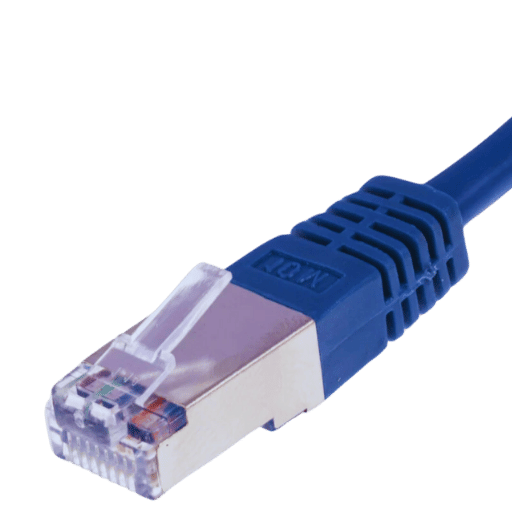
The RJ45 connector is often used as the standard interface for Ethernet networks. This has eight pins that are arranged in one row and allow twisted-pair cables to be connected with a modular plug. The design of this connector guarantees secure and dependable transmission by keeping correct pin alignment as well as contact pressure. Usually, you can find RJ45 connectors on Cat5e, Cat6, and Cat6a cables which are utilized in connecting devices like PCs, routers or switches within local area networks (LANs).
The Role of Ethernet Cables in Networking
Ethernet cables are necessary for networking to support dependable and fast data transfer between devices. Different network components like computers, routers, switches, and servers, among others, are linked by them so that there is stable communication within local area networks (LANs) and wider network infrastructures. Through electrical signals over twisted pairs of wires, data is transmitted by these cables, which allows for the movement of large amounts of information with little interference or loss. For keeping up network performance levels, security, and scalability, this wired connection cannot be done without hence making ethernet cables an integral part of any modern networking solution.
Differences Between Cat5e, Cat6, and Cat6a Cables
Choosing cables for a network involves knowing the dissimilarities between Cat5e, Cat6, and Cat6a. Each sort of wire has degrees of performance, bandwidths, and application suitableness.
Cat5e Cables
- Bandwidth: Up to 100 MHz.
- Data Transfer Rate: Supports up to 1 Gbps (Gigabit Ethernet) over distances of up to 100 meters (328 feet).
- Maximum Distance: 100 meters for 1 Gbps.
- Applications: It is often used in home or small office networks and can be used for VoIP and basic data transfer.
- Usage: Best suited for environments that require regular network speed with minimal interference.
Cat6 Cables
- Bandwidth: Up to 250 MHz.
- Data Transfer Rate: Supports up to 10 Gbps for distances up to 55 meters (180 feet) and 1 Gbps for distances up to 100 meters.
- Maximum Distance: 55 meters for 10 Gbps, 100 meters for 1 Gbps.
- Applications: These are for use in enterprise networks, data centers, and any other applications where greater bandwidth is needed or there may be some performance issues.
- Usage: Preferred in firms that need fast, crosstalk-free transmission of data at high speeds.
Cat6a Cables
- Bandwidth: Up to 500 MHz.
- Data Transfer Rate: Supports up to 10 Gbps over distances of up to 100 meters.
- Maximum Distance: 100 meters for10Gbps.
- Applications: It is ideal for dense networks, large data centers, and places needing speedy information transmission with little interference.
- Usage: It’s a great future-proof choice since it guarantees excellent performance with less signal loss.
Optimum efficiency and network performance are assured when one selects the most appropriate cable type from home networks through high-demand enterprises.
How to Choose the Right Ethernet Cable for Your Needs?
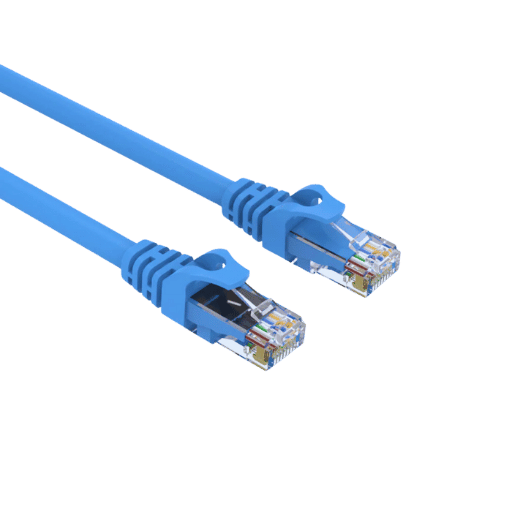
Consider the length of an Ethernet cable and the required data transfer speed for your specific use when selecting one.
Length
The longer an Ethernet cable is, the more it affects its performance. This is because longer cables have higher resistance and are more prone to signal degradation. Different categories support different distances over which a signal can be transmitted without significant loss of quality.
- Cat5e Cables: Can support transmission speeds up to 1 Gbps over 100 meters (328 feet).
- Cat6 Cables: Can handle 1 Gbps over the full length of 100 meters (328 feet), but only up to 10 Gbps over a maximum distance of 55 meters (180 feet).
- Cat6a Cables: Can maintain 10 Gbps speeds up to 100 meters (328 feet) without noticeable deterioration in signal quality.
By choosing the right cable length, you can ensure that your data transfer rates are at their best and not affected by too much loss or noise interference.
Speed
Another important aspect to consider while choosing an Ethernet cable is the required data transfer speed. Ethernet cables have improved their speed capabilities to meet the needs of modern network applications.
- Cat5e Cables: These cables provide enough performance for most homes and small offices with a top speed of around 1 Gbps.
- Cat6 Cables: They offer better speeds than Cat5e, supporting up to ten times faster connections – about 10 Gbps – across shorter distances, making them perfect for video streaming or cloud computing where higher bandwidths are needed.
- Cat6a Cables: Designed for high-performance environments such as data centers, these cables can handle sustained speeds of up to 10Gbps over the entire length of 100 meters. They’re also great if you want future-proofing with regards to network infrastructure, as they’ll work with any gigabit equipment currently available on the market today!
When you take into account both the speed and length requirements together, then you can select an Ethernet cable that will give reliable network performance that suits your needs.
How do you properly connect and Trim an RJ45 Ethernet cable?
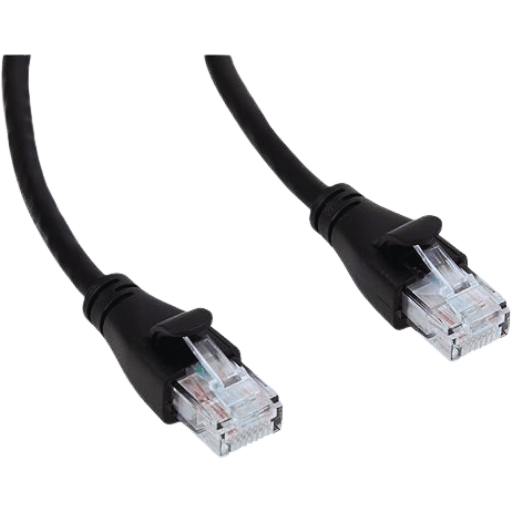
Step-by-Step Guide to Crimping
Jacket Removal:
- Use a cable peeler to remove the outer sheath of the Ethernet cable from about one inch of its end.
Arranging and Untwisting Wires:
- Untwist each pair of wires separately.
- Then, according to the T568B standard, arrange them as follows: orange/white, orange, green/white, blue, blue/white, green, brown/white, and brown.
Cutting Wire Evenness:
- Make sure that wire ends are level by cutting them with scissors or wire cutter so they measure just over 1/2 inch in length.
Insertion into RJ45 Connector:
- Gently push all eight arranged cables into the RJ 45 connector, making sure each cable enters the correct channel within it.
Checking Alignment:
- Before crimping down, make sure all strands are fully seated and aligned properly.
Crimping Down On Connectors:
- Fit an RJ-45 plug snugly into crimper jaws then squeeze handles together firmly which secures contacts against insulation while piercing through to copper conductor inside wire itself thus producing sound electrical connection between two devices connected by means of this particular cable type .
Testing For Continuity:
- To verify that everything was done correctly – use some sort (probe meter?) continuity tester to check if there is connectivity between pins on both sides, etc.
Tools Required for RJ45 Connectors
Essential tools to have for connecting and crimping RJ45 Ethernet cables include:
Cable stripper:
- Used to get rid of the external sheath on Ethernet cables without spoiling the inner wires.
Crimping tool:
Wire cutter /scissors:
- It is important to cut off extra wires after aligning them with wiring standards.
RJ45 connectors:
- These modular plugs are designed for ethernet cables so as to make connections.
Ethernet cable tester :
- It will confirm that the crimped Ethernet cable is working properly and has been wired correctly.
These tools simplify the tasks involved, thus guaranteeing precision and reliability when it comes to Ethernet cable connections.
Troubleshooting Common Connectivity Issues
Troubleshoot common issues related to Ethernet connectivity:
Check Physical Connections:
- Make sure the PC and network devices (router or switch) are connected via Ethernet cable at both ends securely. Failure to do so may result in intermittent or no connection due to disconnection or loose connections.
Inspect the Ethernet Cable:
- Use an Ethernet cable tester to verify cable integrity; it could be damaged, causing connection problems. If the test device finds it faulty, replace it with another known working one.
Confirm Network Configuration:
- Ensure that your device’s network settings are accurate. Check IP address, subnet mask, and DNS settings, among others; most times, this can be fixed by setting your device to automatically obtain an IP address via DHCP, which resolves many configuration problems.
Restart Network Devices:
- Power cycle the router/switch and computer; turn off these devices for about 30 seconds before switching them on again. This action helps clear temporary glitches and refreshes the network connection.
Update Network Drivers:
- Download the latest drivers for your network adapter from the manufacturer’s website, then install them on your computer; make sure they are up-to-date, too.
The above troubleshooting steps deal with typical connectivity problems, thus guaranteeing an operational and efficient network connection.
RJ45 SFP Modules for Ethernet Networks
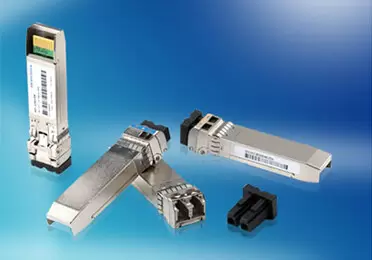
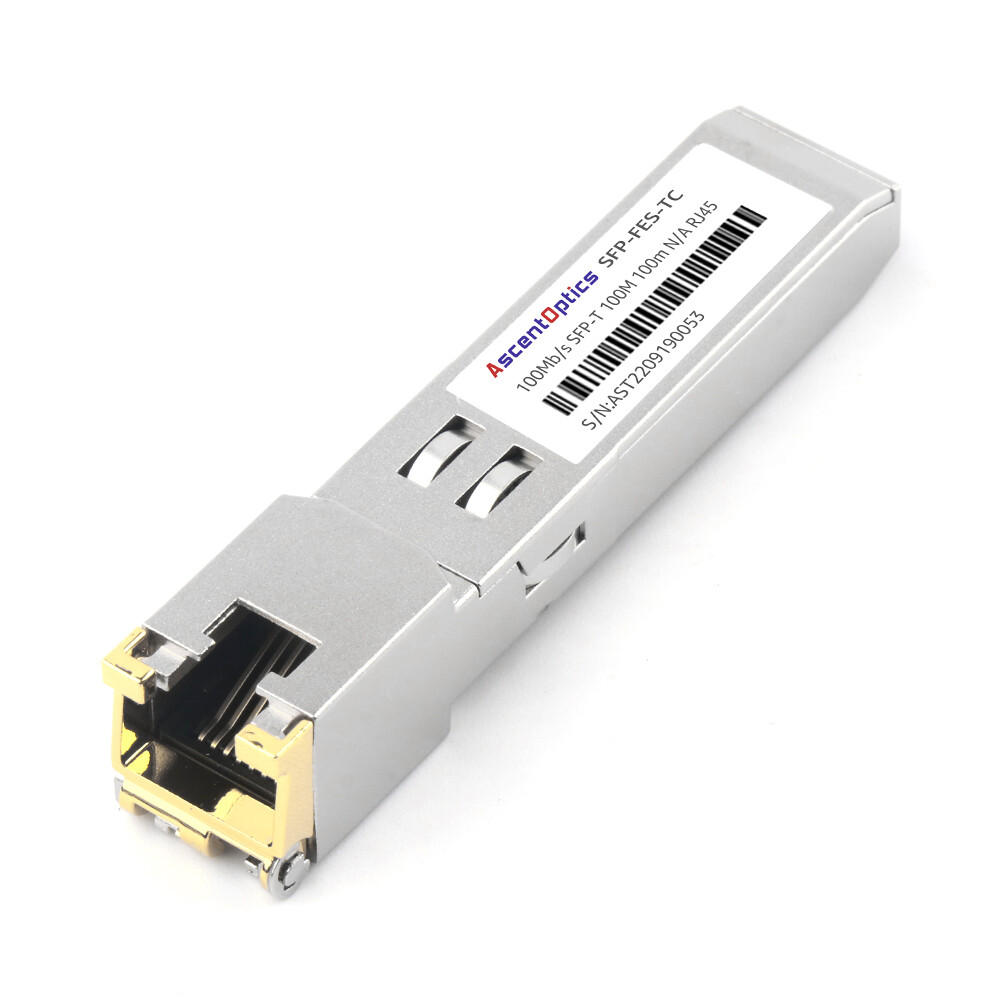
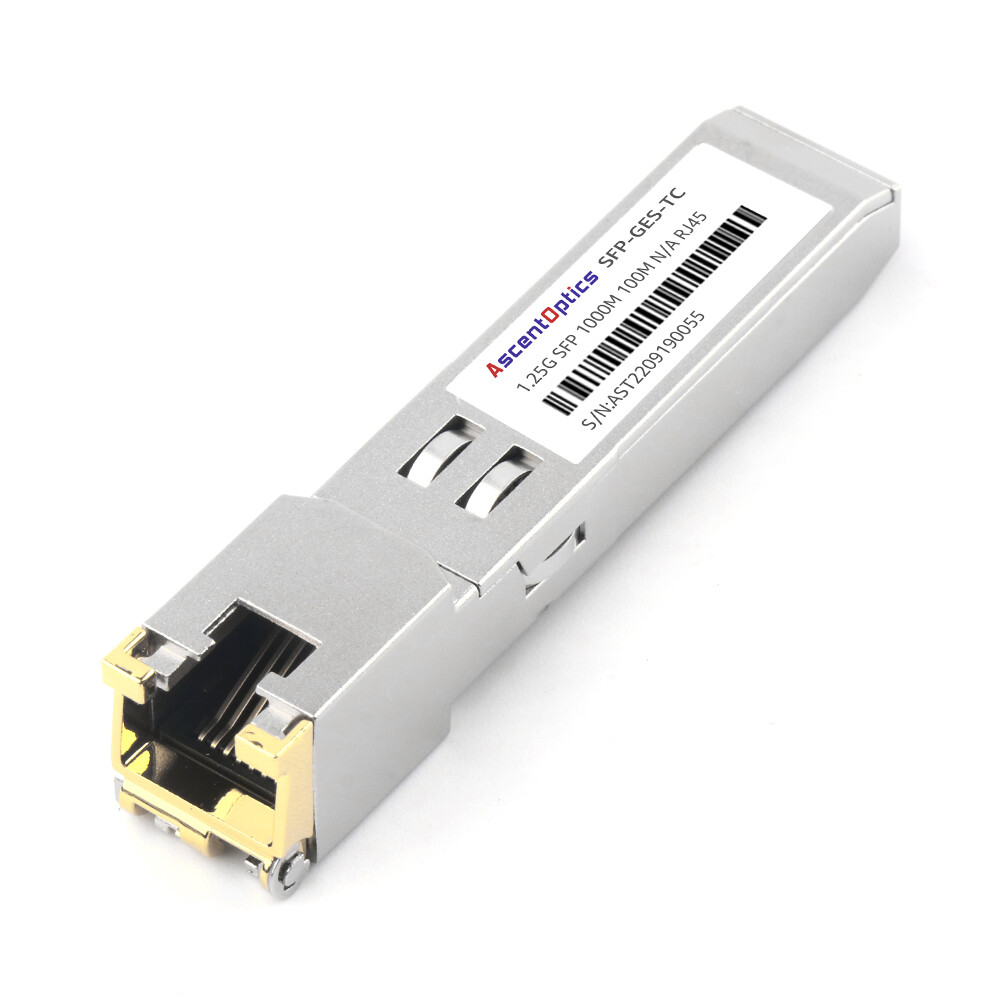
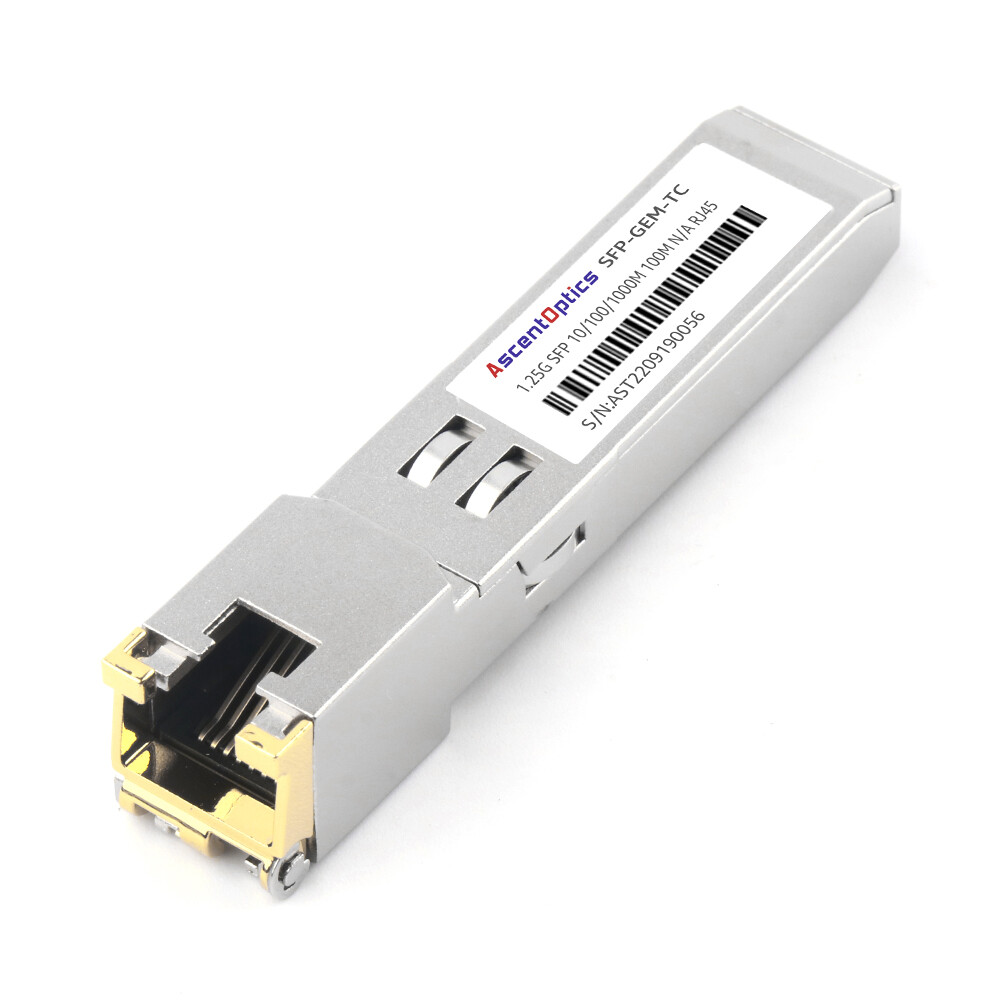
In addition to traditional Ethernet cables, RJ45 interfaces are also commonly used in SFP copper transceiver modules. These modules allow network devices such as switches and routers to support Ethernet connections through an SFP port.
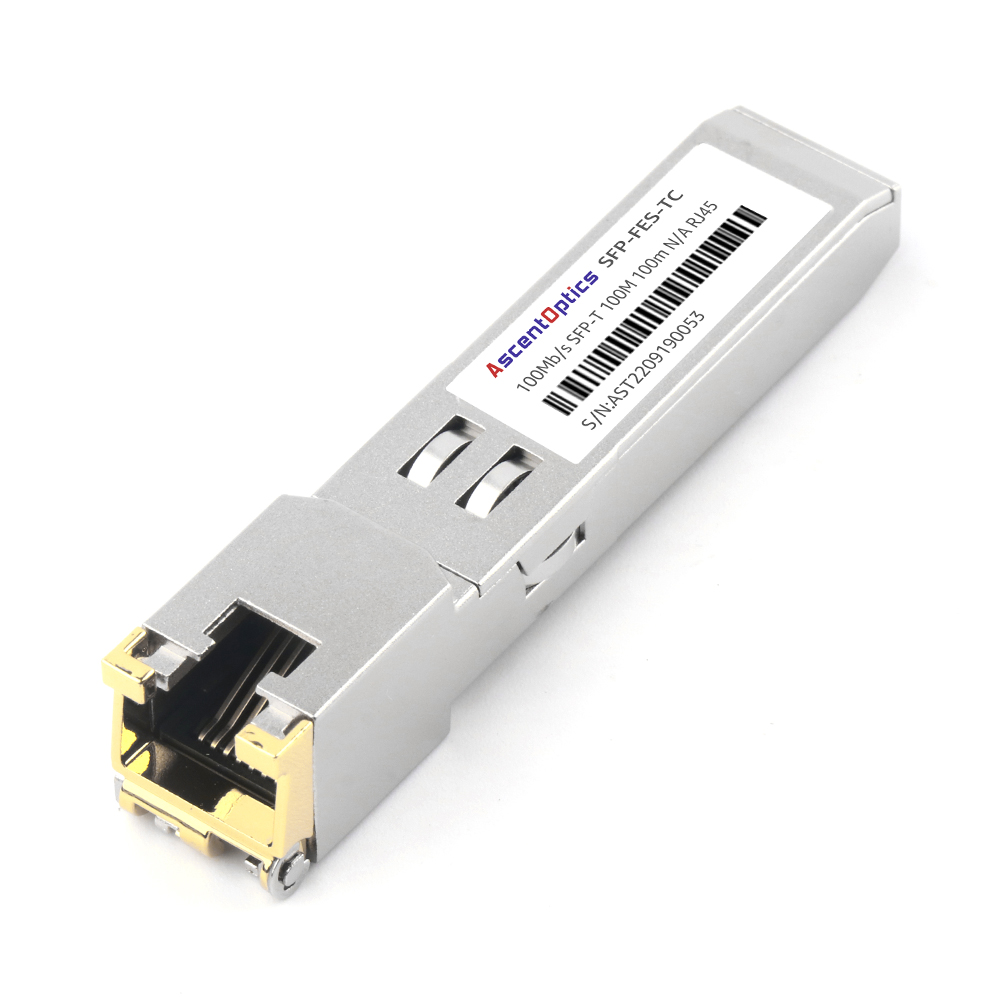
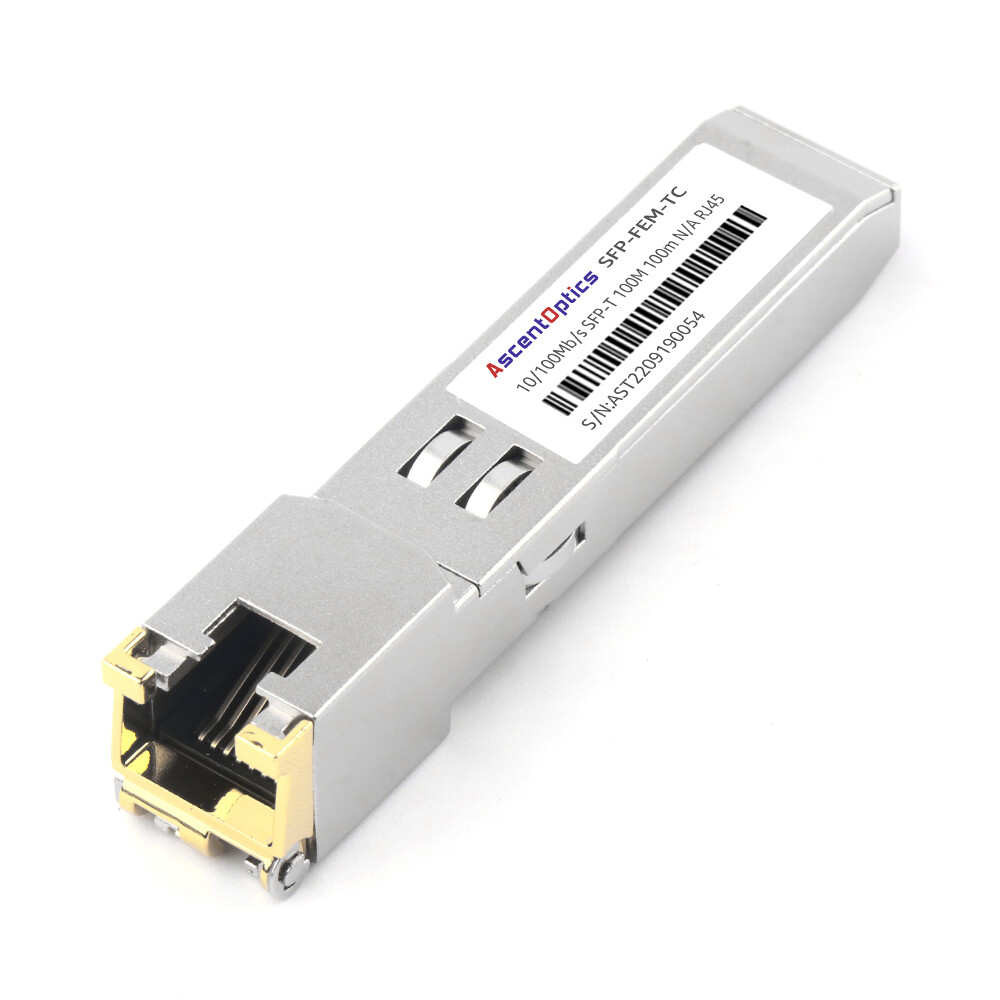
An RJ45 SFP module, often referred to as a copper SFP transceiver, converts the SFP port into a standard RJ45 Ethernet interface. This makes it possible to connect devices using conventional twisted-pair Ethernet cables such as Cat5e, Cat6, or Cat6a.
RJ45 SFP modules are widely used in enterprise networks and data centers where flexible connectivity is required. They provide a convenient way to connect switches, servers, and routers without needing additional fiber infrastructure.
For example, RJ45 SFP modules supporting 1G or 10G Ethernet can extend copper connections up to 100 meters using standard Ethernet cables, making them a practical solution for short-distance network deployments.
Applications of RJ45 Cables in Different Scenarios
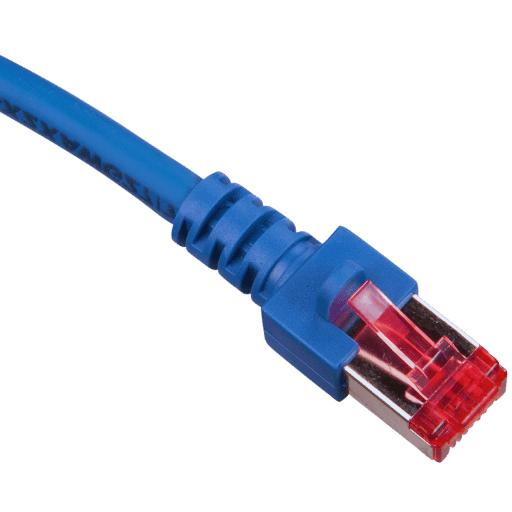
Using Ethernet Cables with Home Routers and Modems
To form a reliable wired network, do not fail to use an Ethernet cable with home routers and modems. Through these cables, modems are directly linked to routers, which share the internet with more than one device. If you want everything to work well, the speed of your cable should be higher than or equal to that of the network you are working on as indicated by its Category. Generally, gigabit speeds are in demand for Cat5e/6 cables in many houses.
Setting Up Network Connections for Printers and Laptops
To set up connections for printers and laptops on a network, there are a few necessary steps. Start by connecting the printer or laptop to the network through Wi-Fi or an Ethernet cable.
For wired connection types, an Ethernet cable should be plugged into the device’s network port and the other end into any available port of a router or switch. In case of wireless connection types, navigate to network settings on the device, then choose the correct SSID before typing in the password to connect it. Ensure that IP configuration is set to obtain automatically using DHCP on the gadget.
Finally, install all required drivers and software from the vendor’s website, which will finish setting up as well as enable full functionality over networks. These procedures enable both printers and laptops to efficiently access networks so that they can perform their operations appropriately.
Benefits of Patch Cables for Office Networks
Office networks are made flexible, reliable, and fast using patch cables; this is their major use. They can be used for temporary or permanent links between different devices, such as switches, routers, and patch panels in a network. Different types of patch cables exist; they come in different lengths: Cat5e, Cat6, and Cat6a are some examples that have the ability to support high bandwidths required by modern office operations in terms of data rate.
Furthermore, these cables make reconfiguration easy as well as troubleshooting within the network infrastructure that ensures minimum downtime so far as it’s concerned with the office workplaces, thus saving time too. Its affordability also makes it one among many other networking solutions but still cheaper than most hence making them vital components for effective management of office networks.
RJ45 Interface SFP Modules: Bridging Copper and Fiber Networks
Many modern switches and routers use SFP/SFP+ ports instead of built-in RJ45 jacks for greater flexibility. RJ45 interface SFP modules (also called Copper SFP or 1000BASE-T / 10GBASE-T SFP) solve this perfectly — they convert an SFP port into a standard RJ45 Ethernet port.
You simply insert the module into the SFP slot and plug in your existing Cat6/Cat6a cable.
These modules eliminate the need to replace entire switches while maintaining full Ethernet compatibility — making them far more versatile than traditional RJ45 cables in mixed fiber/copper environments.
Frequently Asked Questions (FAQs)
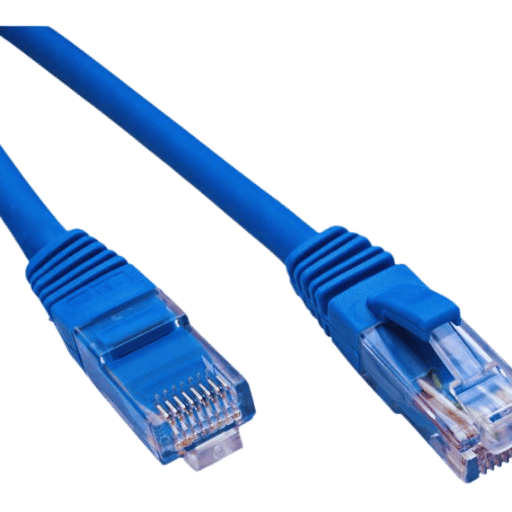
Q: What is an RJ45 cable, and how do you use it with Ethernet?
A: Also known as Ethernet cables, RJ45 cables are used to connect devices in a Local Area Network (LAN) or to the Internet. They usually contain 8 wires inside that can support high-speed data transfers, making them necessary for creating wired network connections.
Q: What is a Cat 6 Ethernet cable, and how does it compare to Cat 5?
A: A Cat 6 Ethernet cable is essentially an upgraded version of the Cat-5 cables. It supports higher bandwidths (up to 10 Gbps) and operates at a frequency of up to 600MHz, so this type of cable would be much more suitable for high-speed internet connections and data transfers than its predecessor.
Q: Why do we use copper in Ethernet patch cables?
A: Copper has excellent conductivity properties, which make it perfect for ethernet patch cords where reliable data transmission is required. This metal also possesses some degree of flexibility, so it can be easily molded into strands, thereby making the ethernet patch cord robust enough to last long.
Q: What lengths are typically available for Cat 6 Ethernet cables?
A: Different lengths of Cat6e cables can be found on the market. These include but are not limited to, six feet and ten feet, among others, which all serve different networking needs. Additionally, some may come as bundles, such as packs containing ten pieces or more, mainly designed for bulk purchases.
Q: In what way does a gold-plated RJ45 connector improve an Ethernet cable’s performance?
A: Gold plating increases durability and signal integrity by resisting corrosion better than regular connectors do overtime, thus ensuring stable connection at high speed between devices over extended periods.
Q: What does “26AWG” mean in an Ethernet cable?
A: AWG stands for American Wire Gauge, which tells us about the thickness levels of wires within these types of cables. When indicated as 26AWG, this implies that the cable has achieved a nice balance between being flexible and strong, which would cater to standard networking requirements.
Q: Can I buy RJ45 cables online? Do they have free shipping?
A: Yes, one can purchase RJ45 cords from different platforms, such as electronics suppliers or cable stores on the web. Many offer free delivery, especially if ordered in bulk or above specific values.
Q: What should I look for when buying an RJ45 cable for my home network?
A: When choosing an RJ45 cord for your home network, consider features like category type (e.g., Cat 6a vs. Cat8), length (e.g., six-foot or ten-foot), and extras such as gold-plated connectors or strain relief sleeves. Ensure that any connector used is robust enough to withstand rough handling during the installation process while still meeting the required specifications.
Q: How does a patch cable differ from regular ethernet cables?
A: Patch cables connect devices over short distances within a network, typically from a PC to a router, switch, or patch panel. They usually have stranded wires for increased flexibility, which makes them more suitable than solid core cables in areas where there may be frequent moves or changes.
Post Views: 12,285